/// Screenshots
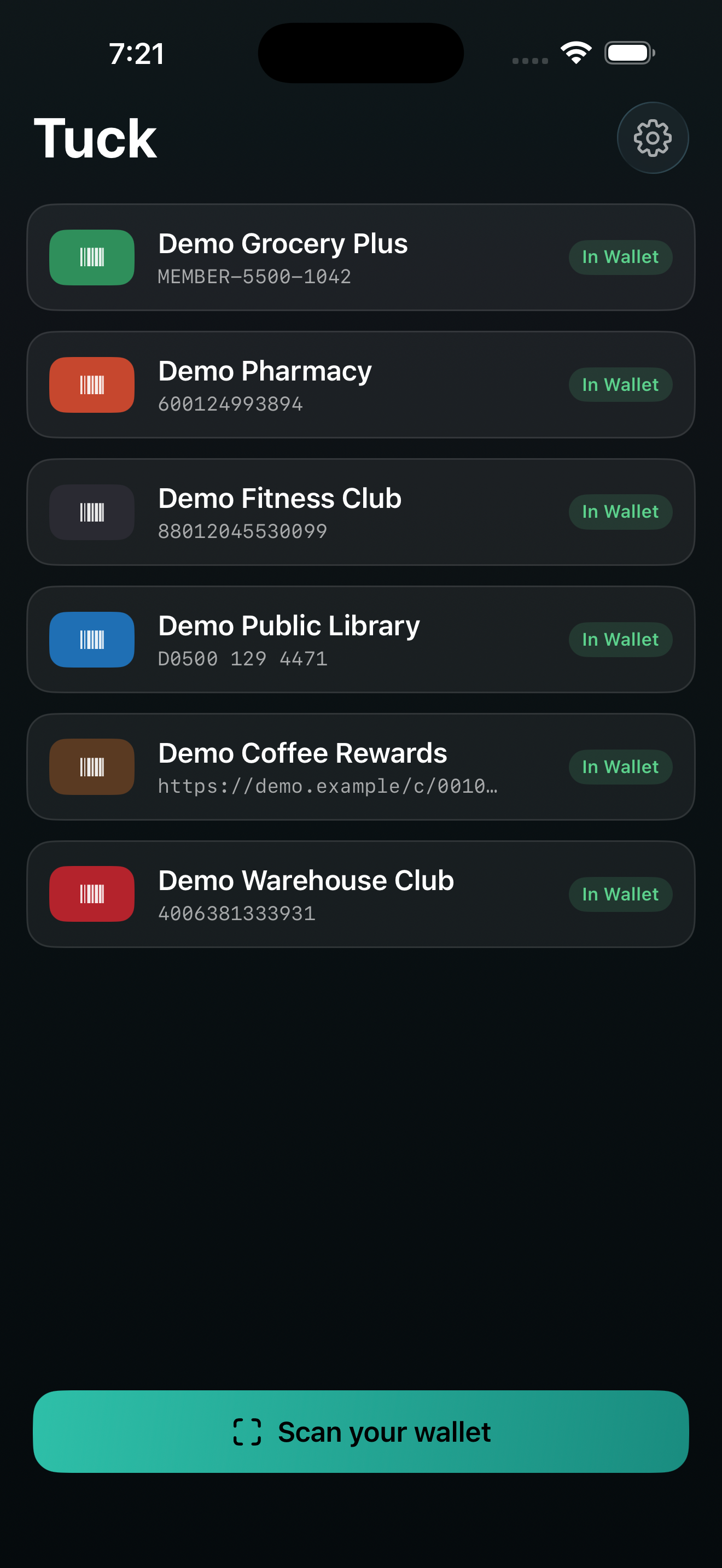
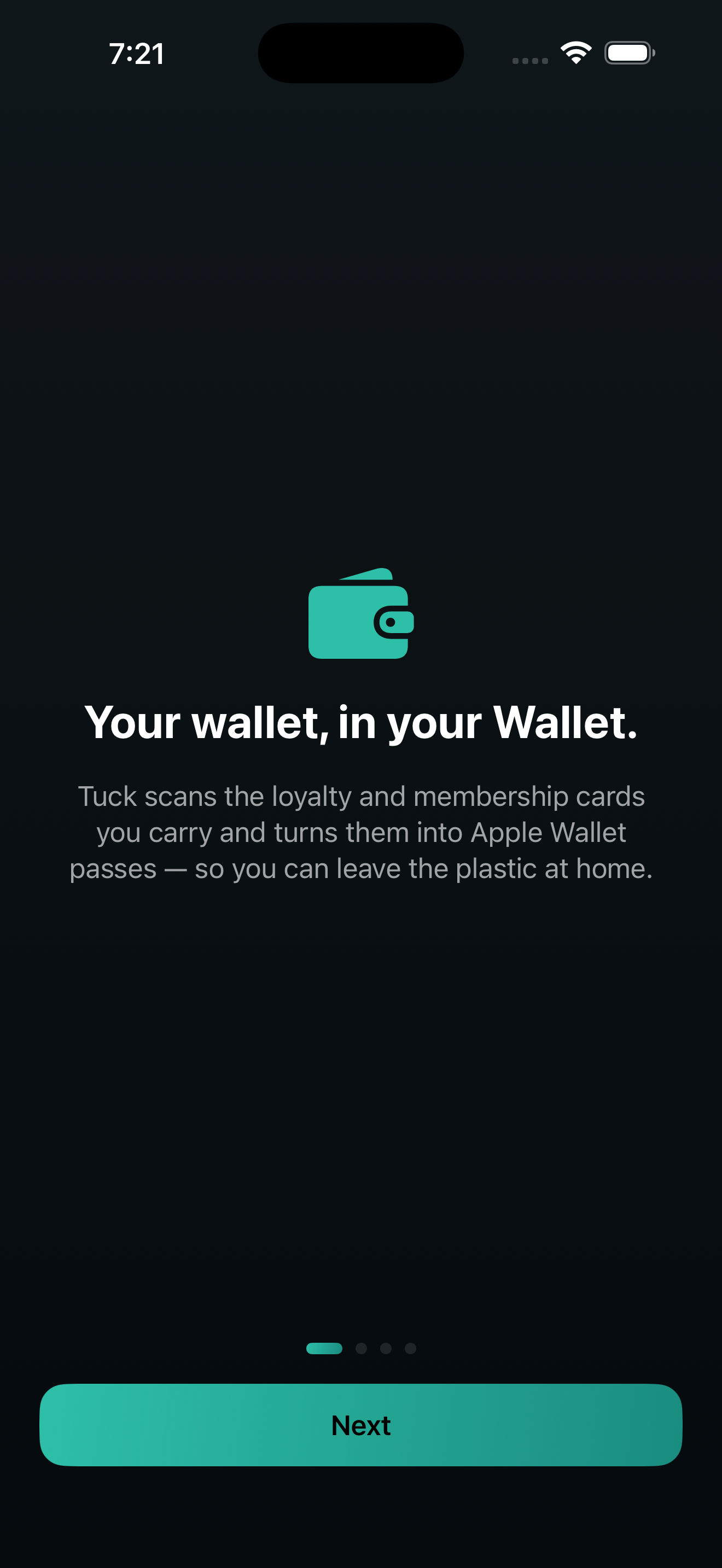
Tuck turns the barcode cards in your physical wallet — loyalty cards, membership cards, library cards, gym cards — into Apple Wallet passes, so you can leave the plastic at home.
SCAN A STACK AT ONCE • Point the camera and Tuck captures card after card without stopping. • Review them together, name them, and add them to Wallet in one tap. • Can't scan a worn card? Type the number by hand instead.
HONEST ABOUT WHAT WILL SCAN • Apple Wallet supports four barcode types (QR, PDF417, Aztec, Code 128). • Tuck maps your card to the closest one and tells you the truth about it — and always keeps your original card photo and number as a backup, so a pass is never useless at the register.
RADICALLY PRIVATE • Your cards — numbers, photos, names — are saved only on your iPhone. • No account, no sign-in, no tracking, no analytics. Nothing collected. • Creating a pass needs an Apple signature; Tuck does it without ever sending your card — only a set of secure hashes leaves your phone, never the number, photo, or name. The signing service is open source.
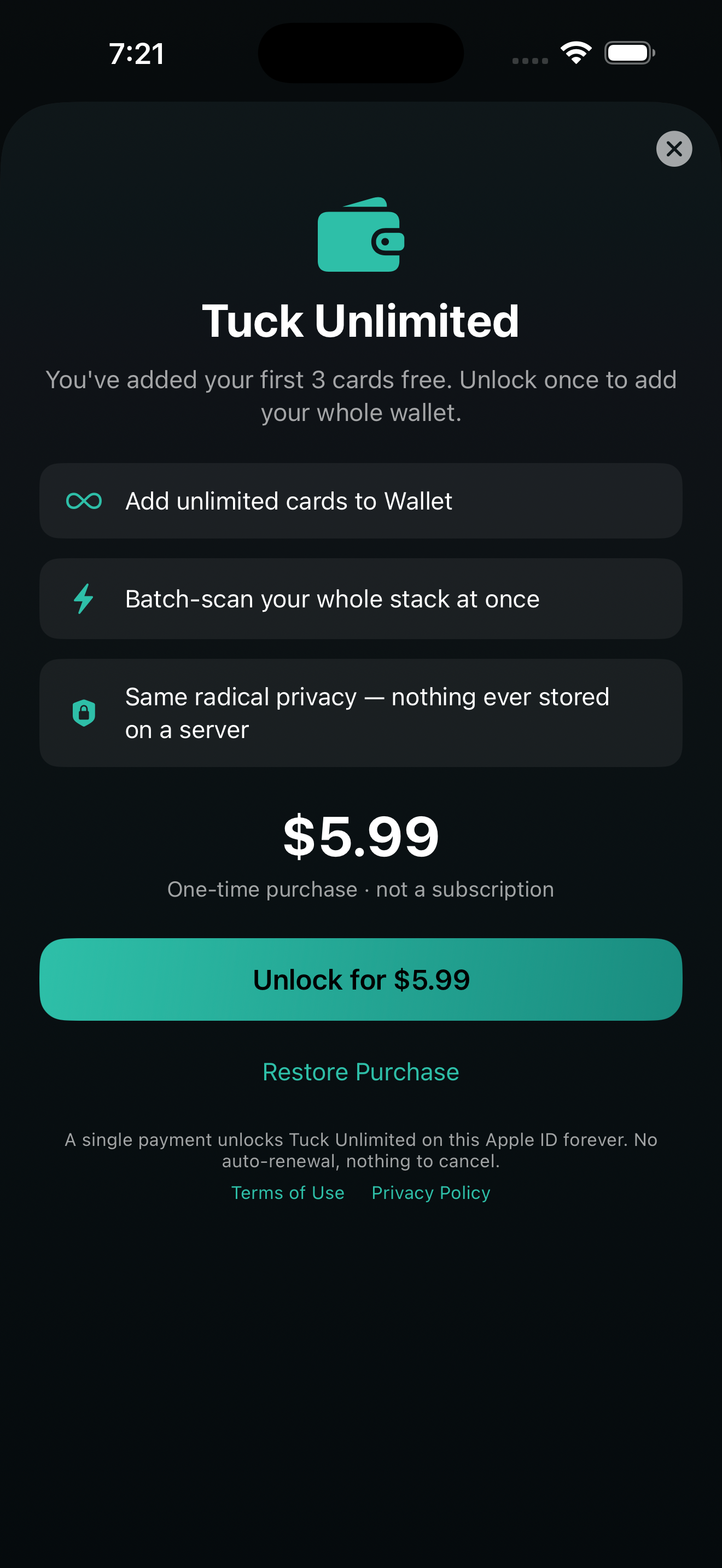
ONE-TIME UNLOCK, NEVER A SUBSCRIPTION Add up to 3 cards free. Unlock Tuck Unlimited once for unlimited cards — a single purchase, yours to keep.
Tuck re-encodes some retail barcodes to a Wallet-supported format, which may not scan at every register — keep your physical card as a backup.
Terms of Use (EULA): https://tuck.nyrai.ai/terms.html Privacy Policy: https://tuck.nyrai.ai/privacy.html