Stay in the music.
The best take happens when everyone is in it. Put one device where the sound is, let bandmates run the recording from their own screens, and keep your hands on the music.
- On-device audio
- Local band control
- One-time Pro unlock
/// Keep the room playing
A great take shouldn't start with someone crossing the room.
You put the recorder where it sounds right. Your instrument is somewhere else. TakeCue gives the band shared controls so the recording phone can stay put—and everyone can stay in the moment.
Keep your place
Start a take from a joined phone or tablet without leaving your instrument to reach the host.
Take a breath
Pause for a conversation, then resume when the room is ready. Joined screens follow the host's state and timer.
Keep the keeper
Stop to save, listen back, give the take a name and share it only when you choose.
/// Made for the session
One shared take. Everyone in it.
A focused recorder for band rehearsals, songwriting and solo practice. Use it on one device or bring the room into the controls.
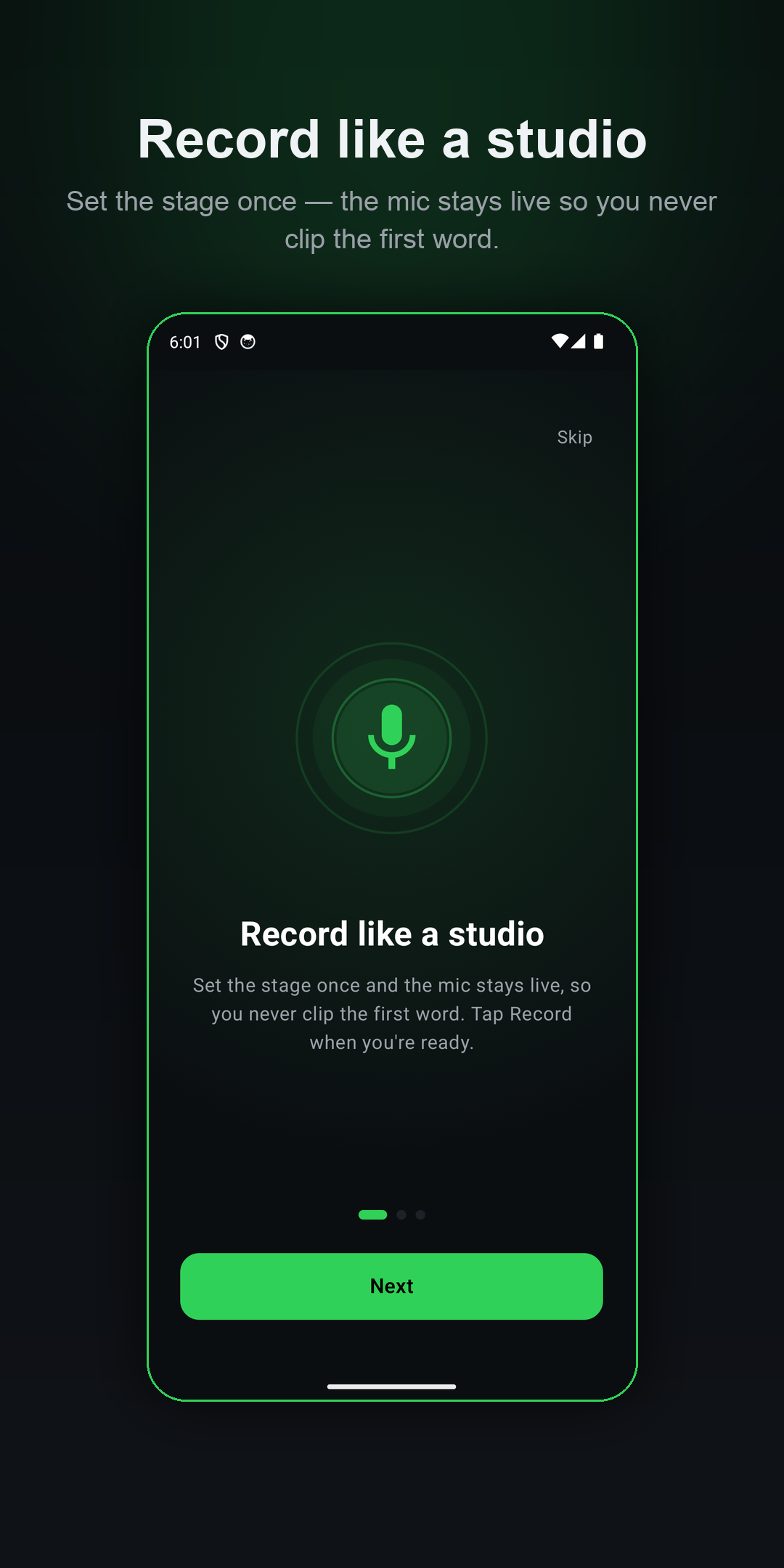
Set the stage once
Get the microphone ready on the recording device, then start the take locally or from a joined controller.
Play across platforms
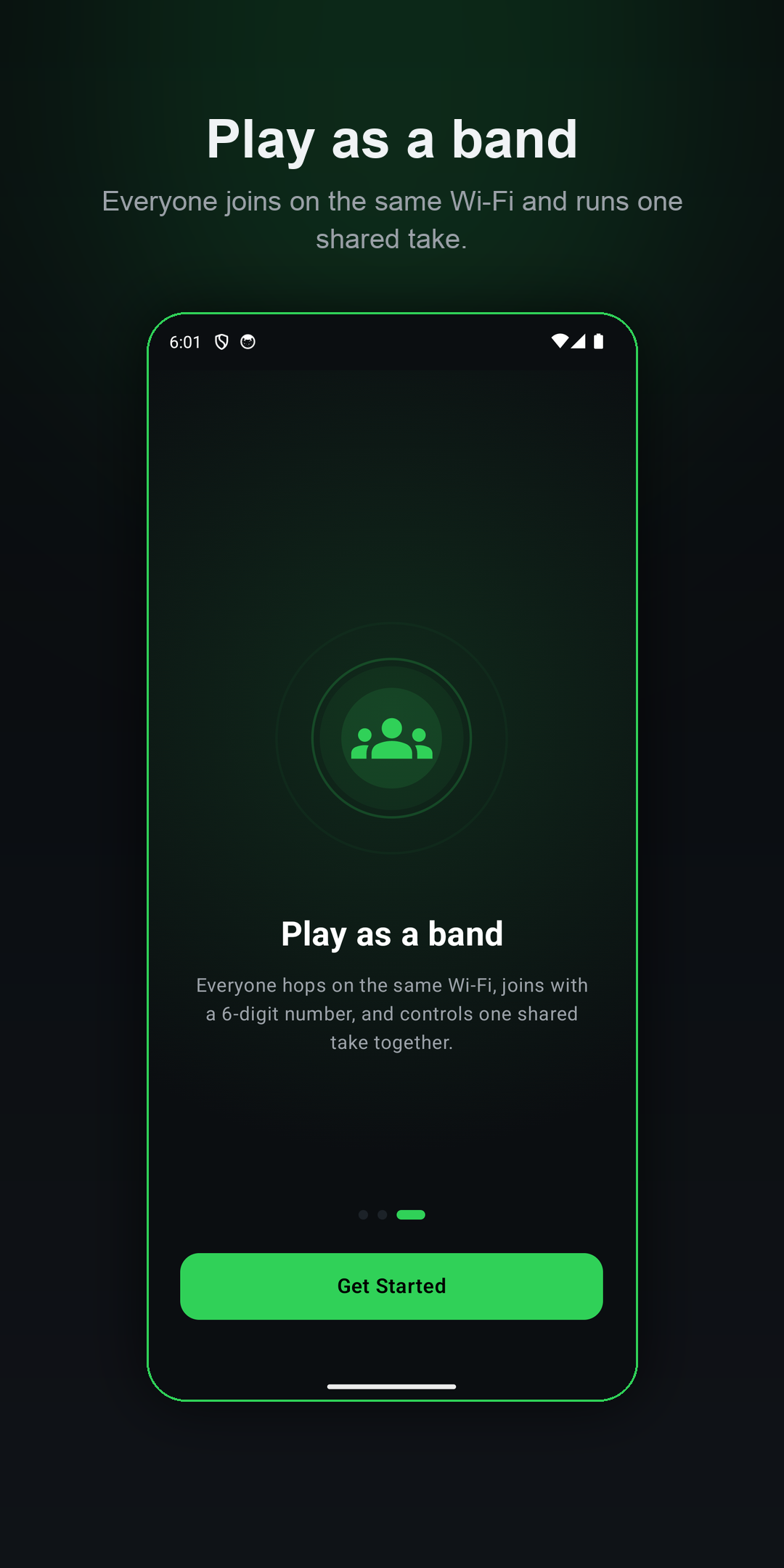
Compatible iPhone, iPad and Android apps can join the same local Wi-Fi band using a six-digit number.
A clear live view
Recording state and timing follow the host. The recorder keeps its own Pause and Stop controls.
Takes worth keeping
Listen back, name your recordings and use the share/export allowance to pass a take along.
Finish the cut with Pro
Trim the beginning and end, export without the free-use limit, and host unlimited band sessions.
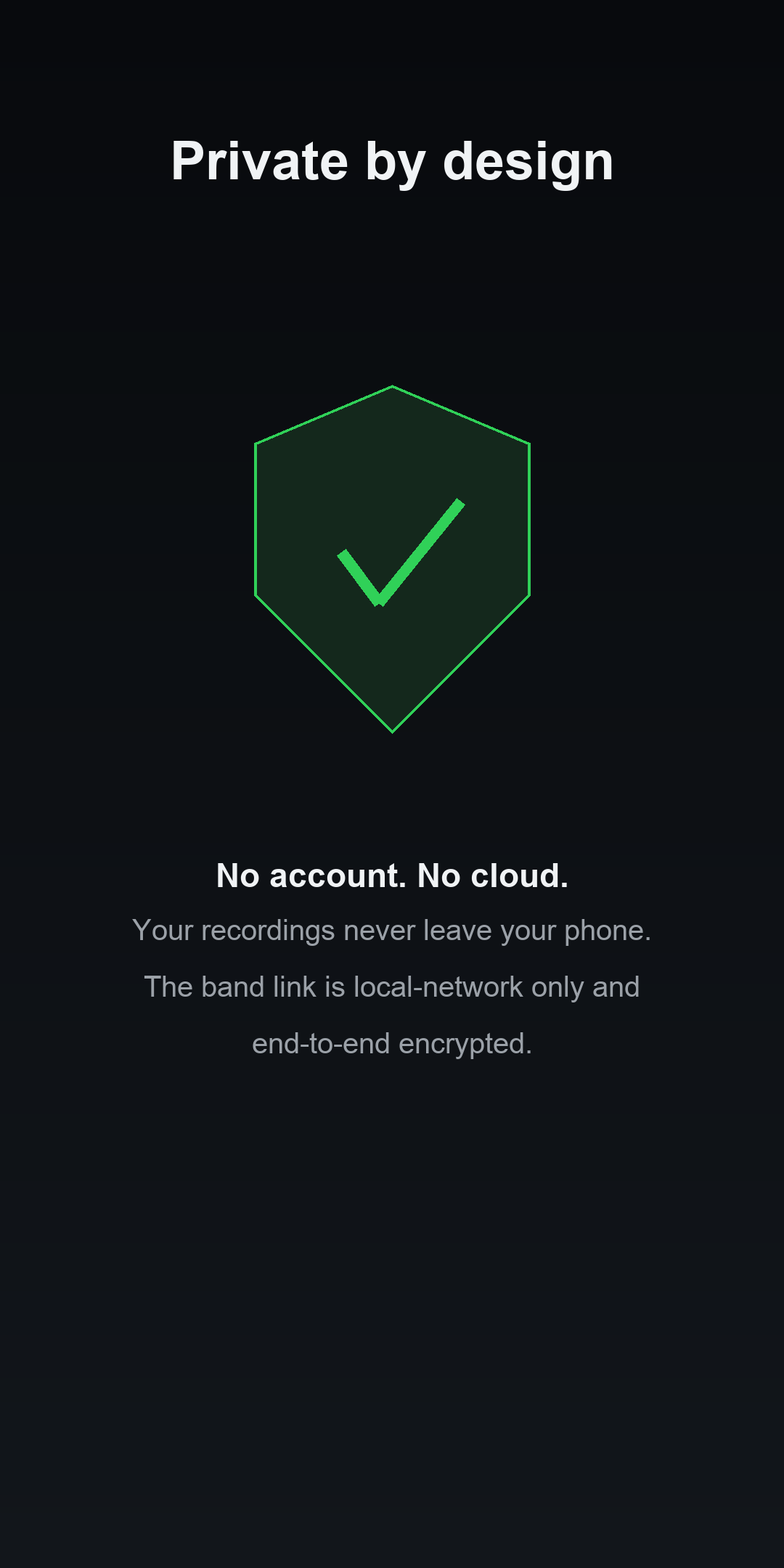
Keep audio on the recorder
Bandmates exchange encrypted control messages, not an audio stream. TakeCue does not upload takes to NYRAI.
/// A look inside
/// Ready, together
Find your sound. Then play your part.
- 1
Place the recording device
Choose your iPhone, iPad or Android phone and get its microphone ready where it can hear the performance.
- 2
Invite the band—or go solo
Run the take yourself, or start a band and share its six-digit number with trusted bandmates on the same Wi-Fi.
- 3
Record, listen, keep
Start, pause and stop from the controls. Your saved take is waiting on the host, ready to review and name.
/// Start free. Keep creating.
Free to record. Pro when you're ready.
Your recording habit doesn't need another subscription. TakeCue includes recording and playback, three shares/exports and three hosted band sessions. Joining another person's band is free.
Pro is an optional one-time purchase. The applicable App Store or Google Play price appears in the app before purchase. Store purchases are separate; restore with the same store account.
What's included
- Recording and playback
- Named takes library
- Three free shares / exports
- Three free hosted band sessions
- Pro: unlimited exports and hosted bands
- Pro: trim the beginning and end
/// FAQ
Good questions.
Can Apple and Android devices join the same band?
Compatible iPhone, iPad and Android apps can join the same host over the local Wi-Fi network. Android is available now on Google Play. iPhone, iPad and the Apple Watch companion are coming soon to the App Store.
How does Apple Watch connect?
The Watch companion controls its paired iPhone through Apple's connectivity services. An iPhone running TakeCue is required; independent Watch discovery of arbitrary Wi-Fi band hosts is not supported.
Does TakeCue upload recordings?
TakeCue does not upload your takes to NYRAI or stream audio to bandmates. Sharing is your choice. Apple iCloud preference sync, device backups, store purchases and normal website requests are explained in the privacy policy.
Do I need an account or subscription?
There is no TakeCue account or subscription. Pro is a one-time store purchase for unlimited sharing, unlimited hosted band sessions and trimming.
Be in the take. Not behind the phone.
Get TakeCue for Android on Google Play. iPhone, iPad and the Apple Watch companion are coming soon to the App Store.