Send a real fax from your phone. Keep it on your phone.
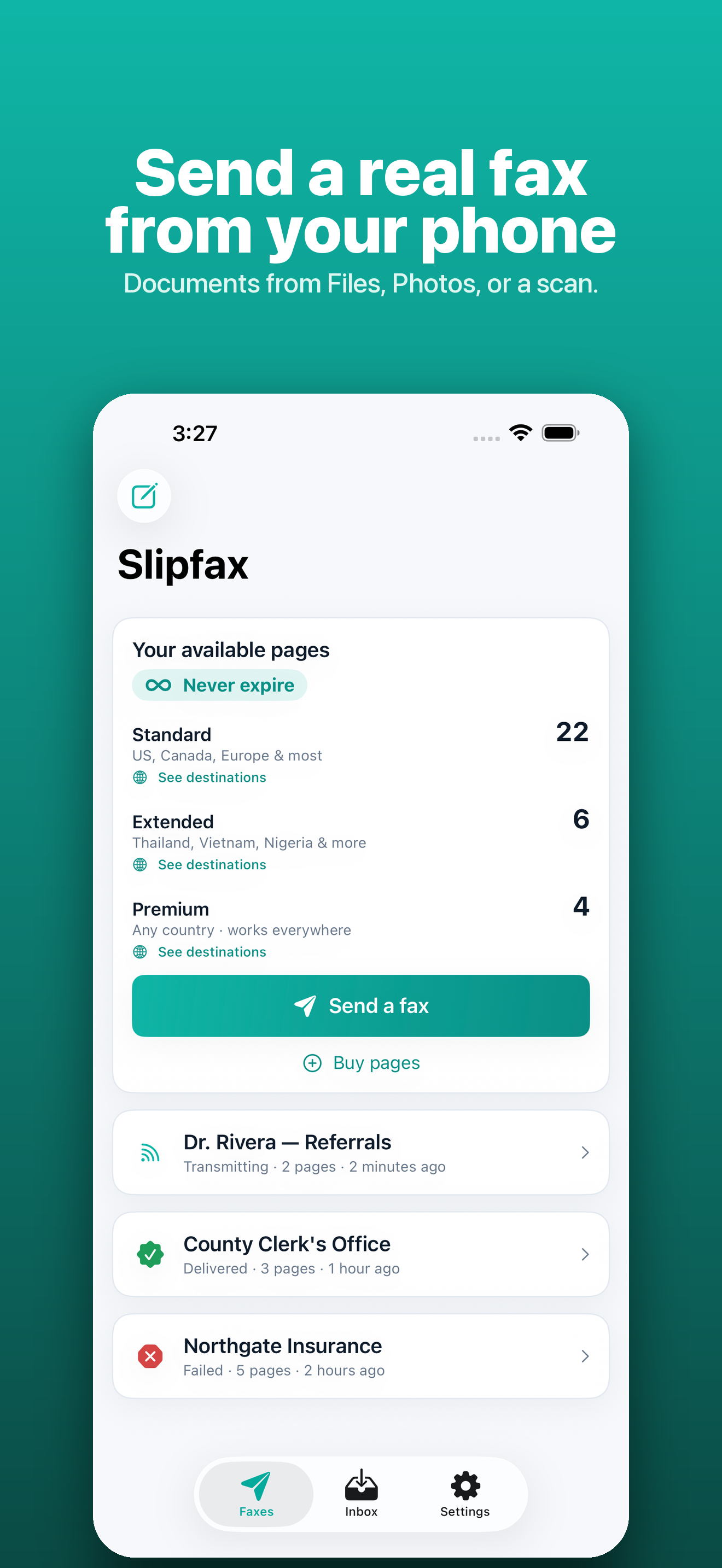
Fax is still mandatory in healthcare, legal, government, insurance, and real estate — but the apps that do it are subscription-heavy and vague about where your documents go. Slipfax is the opposite: a real fax machine in your pocket that stores your faxes on your device, not in someone else's cloud.
- First page free
- Pages never expire
- Stored on your device
/// The problem
Fax refuses to die. The apps for it are traps.
You still have to fax things — and the mainstream apps want a monthly subscription, route everything through their cloud, and stay vague about what happens to your documents afterward.
Subscriptions for a rare task
Most people fax a few times a year, but the apps charge every month whether you send anything or not.
Cloud-first by default
Your documents live on a vendor's servers, and the proof it was delivered is buried in their dashboard.
Where did my document go?
Sensitive paperwork — medical, legal, financial — handed to a service that won't say where it's stored.
/// What Slipfax does
A fax machine in your pocket — that stays private.
Everything a fax needs, kept on your device and paid for only when you use it.
Scan or share in
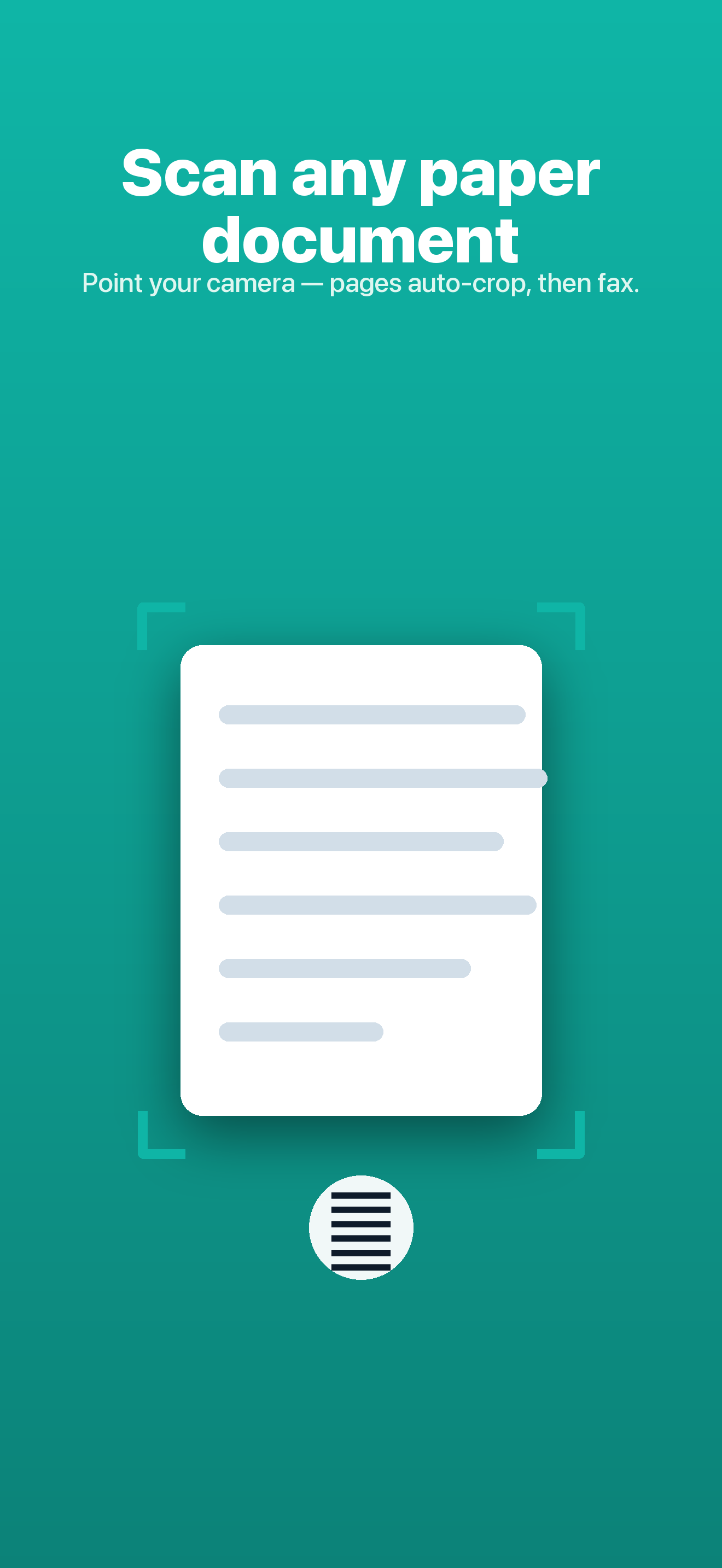
Scan a paper document with your camera (multi-page, auto edge-detection), pick a PDF or photo, or share a file straight into Slipfax from Files, Mail, or Photos.
Send to 130+ countries
Enter a fax number and send to the US, Canada, and over 130 countries over the real phone network.
Receive on your own number
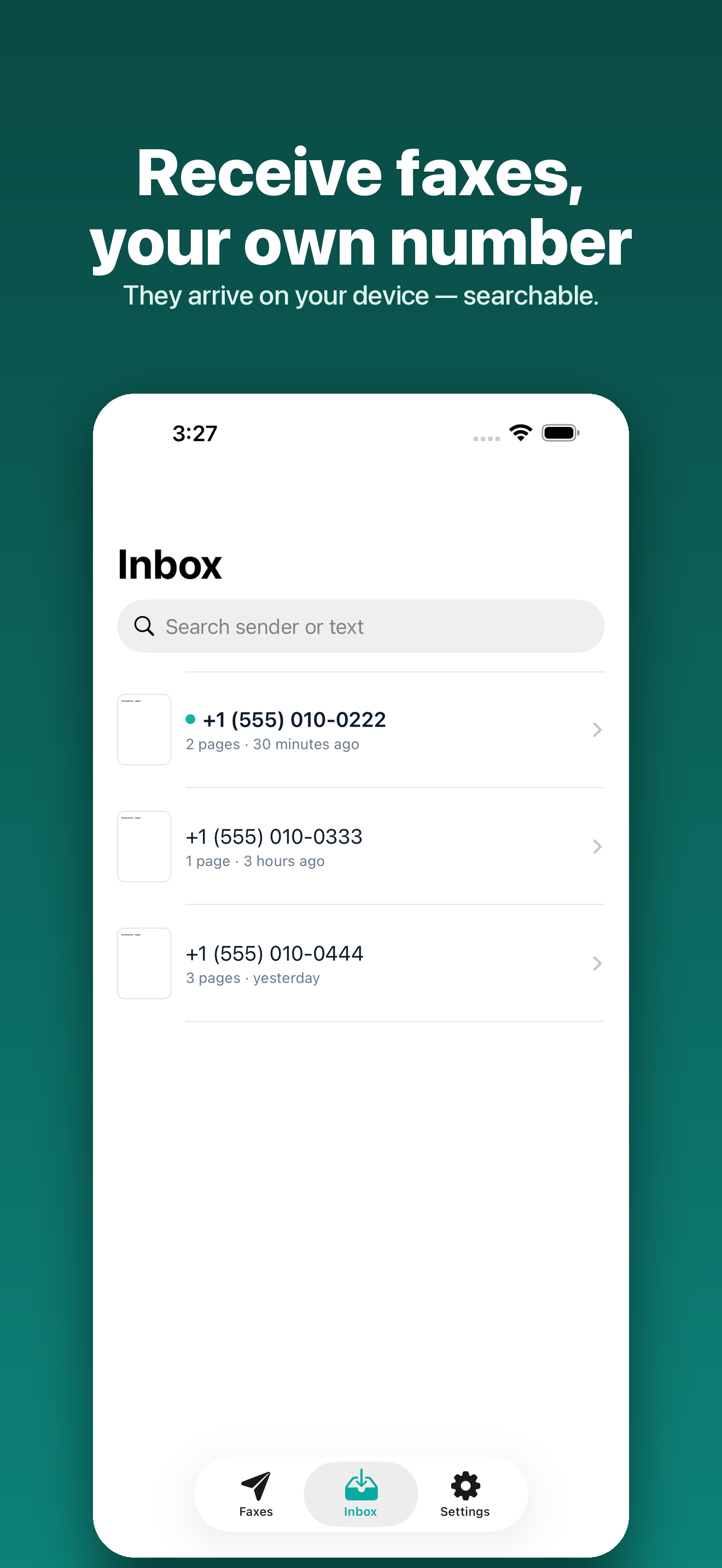
Slipfax Plus gives you a dedicated inbound number — faxes arrive in your Inbox, stored on your device, and a push alerts you the moment one lands. If Plus lapses, received faxes are kept read-only for 16 days and return when you resubscribe.
Know it arrived
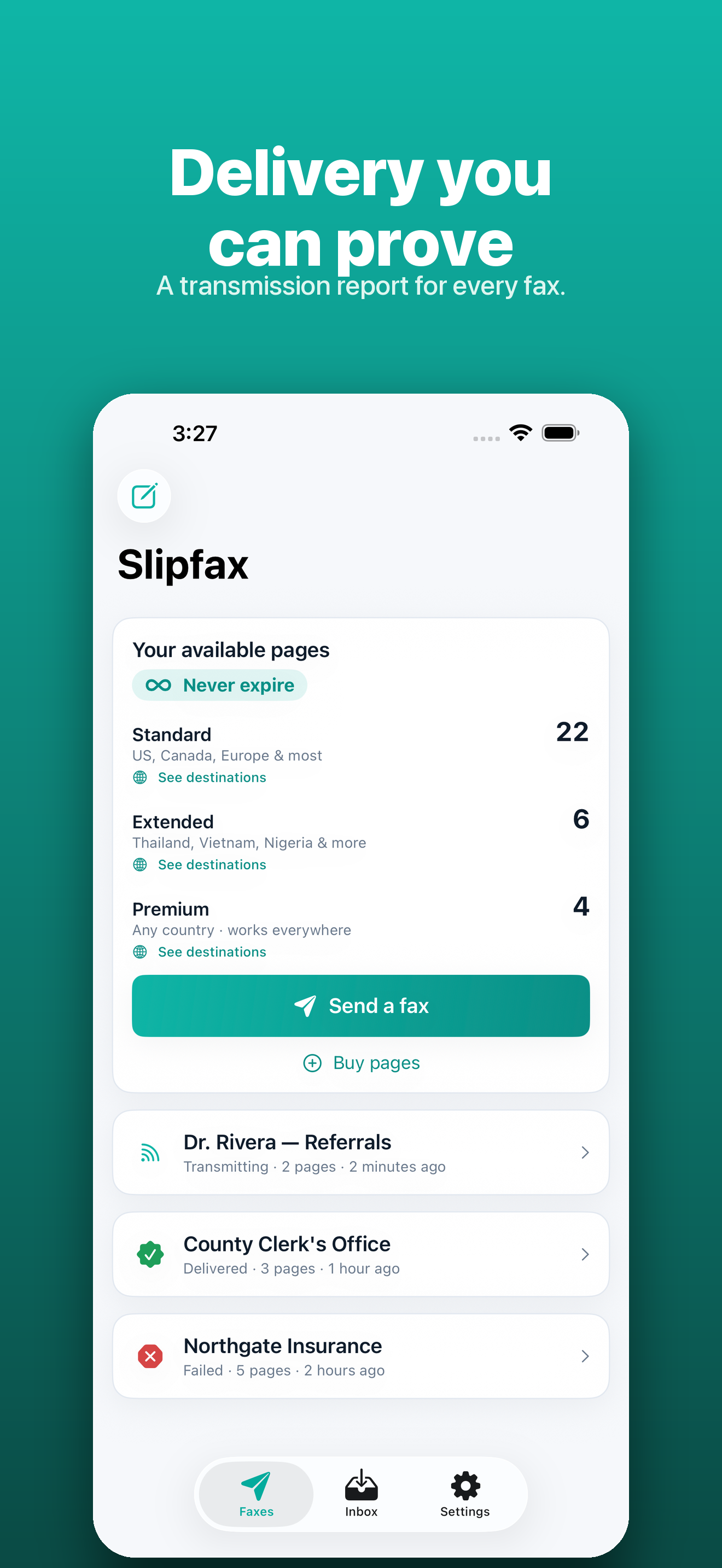
Every fax is tracked from queued to delivered, with a transmission report — timestamp, pages, duration — saved locally as proof you own.
Cover page in seconds
An optional cover sheet fills itself in — recipient, date, page count, attachment name — so you only fix what's off.
Buy pages once
No subscription. Your first page is free, and after that pages are a one-time purchase you keep forever.
Private by design
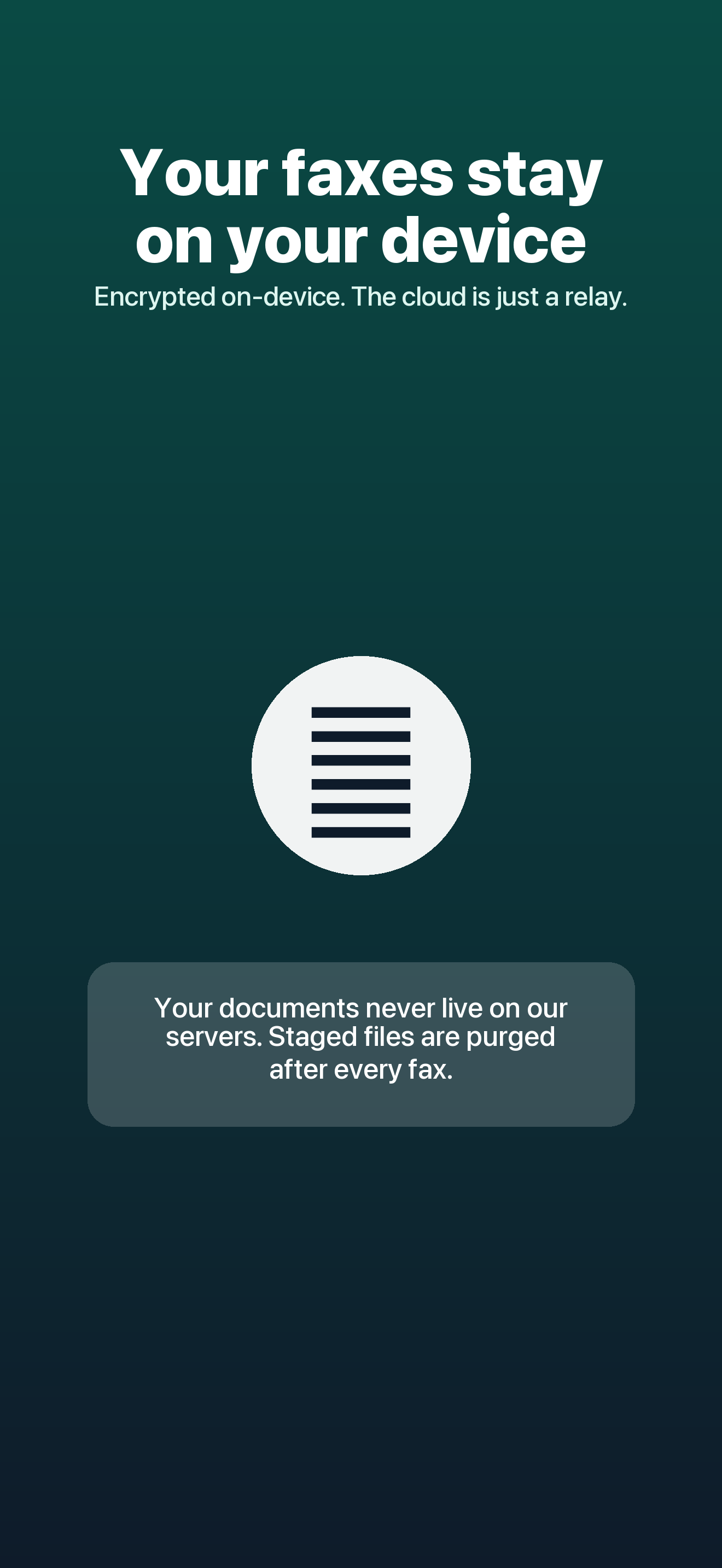
Documents are stored only on your iPhone, encrypted at rest. To send, a short-lived copy is staged just long enough for the carrier, then purged.
/// A look inside
/// How it works
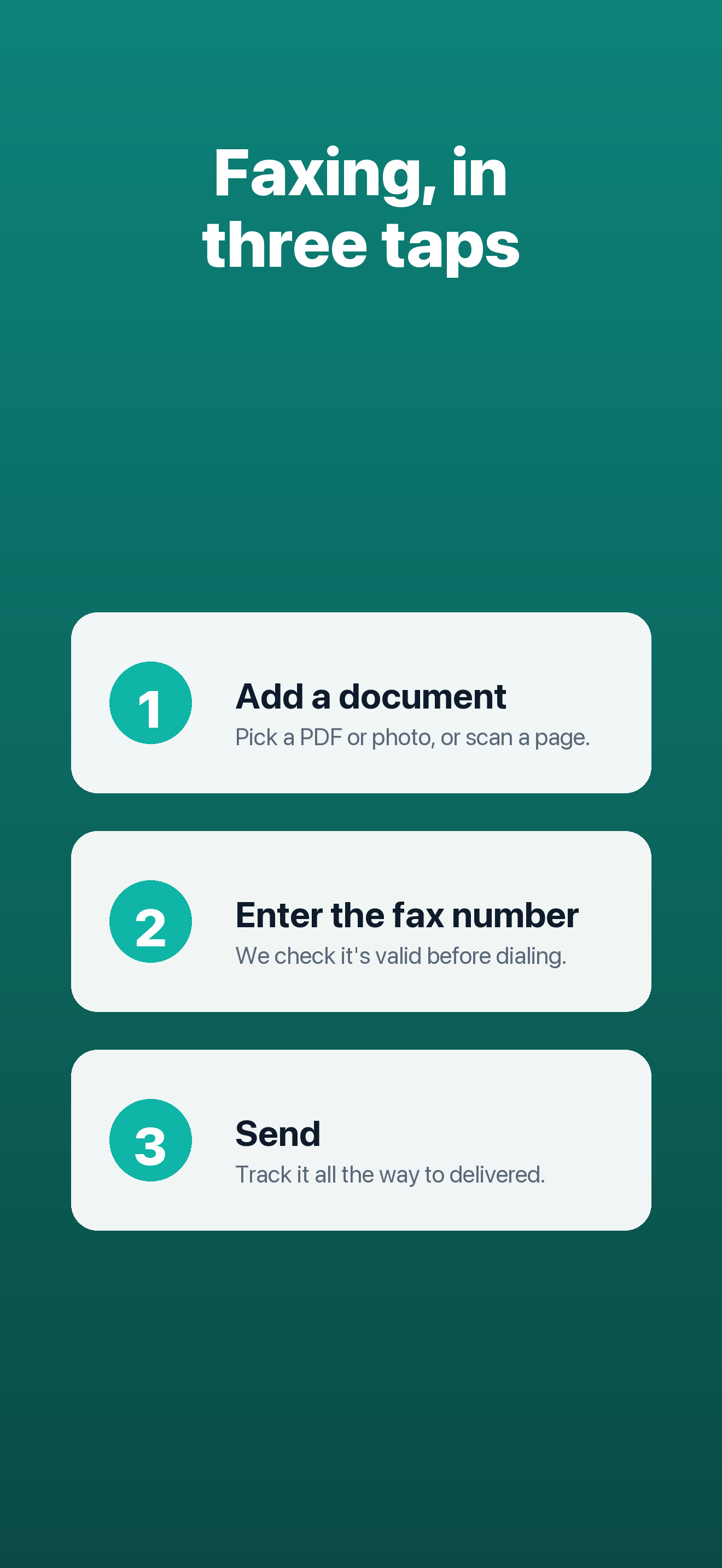
Scan, number, send.
- 1
Add your document
Scan a paper page with the camera, or share in a PDF or photo from Files, Mail, or Photos.
- 2
Enter the fax number
Send to the US, Canada, and 130+ countries — Slipfax shows the exact page cost before you send.
- 3
Get delivery confirmation
Track it from queued to delivered and keep the transmission report locally as proof.
/// Pricing
Your first page is free. No subscription.
Buy pages once and they never expire. Slipfax always shows the exact cost before you send.
After the free page, standard pages are $2.99 for 5 (US, Canada, Europe, and most countries); some destinations use Extended or Premium packs. Slipfax Plus ($4.99/month) adds your own inbound fax number.
Get it on Google PlayWhat's included
- First page free, to any country
- Send to the US, Canada, and 130+ countries
- Delivery confirmation and local transmission reports
- Camera scanning and PDF/photo import
- Auto-filled optional cover pages
- Faxes stored on your device, encrypted at rest
- Pages bought once — they never expire
Secure purchase through the App Store.
/// FAQ
Good questions.
Is there a subscription?
Not for sending. Your first page is free, then you buy pages once and they never expire. An optional Slipfax Plus plan ($4.99/month) only adds an inbound number so you can receive faxes too.
Can I receive faxes?
Yes, with Slipfax Plus ($4.99/month), which provisions your own dedicated inbound number. Faxes sent to it arrive in your Inbox and Slipfax pushes you a notification the moment one lands, as well as when your new number is ready. If the plan lapses, your received faxes are kept read-only for a 16-day grace period and come back when you resubscribe.
Where are my faxes stored?
On your iPhone, encrypted at rest. To transmit, a short-lived copy is staged just long enough for the carrier to fetch it, then automatically purged — the cloud is a relay, never a home.
Can I fax patient health information?
Not yet — Slipfax isn't intended for protected health information. A HIPAA-ready plan for clinics is on the way.
Send the fax. Keep the document.
A real fax from your iPhone, with delivery confirmation and no subscription — stored on your device, not a vendor's cloud. Available now on the App Store.