/// DOC SIGNING
SignDocs
Sign documents from any source, anywhere on your iPhone.
/// Screenshots


Why SignDocs
Signing a contract on a phone usually means a chain of small annoyances. The PDF lives in one app, the signing tool lives in another, and the signed copy ends up somewhere you cannot find an hour later. SignDocs collapses all of that into a single flow on your iPhone: pick a document from wherever it lives, sign it through your own DocuSign account, and keep the signed copy alongside its Certificate of Completion in one place.
What you can do
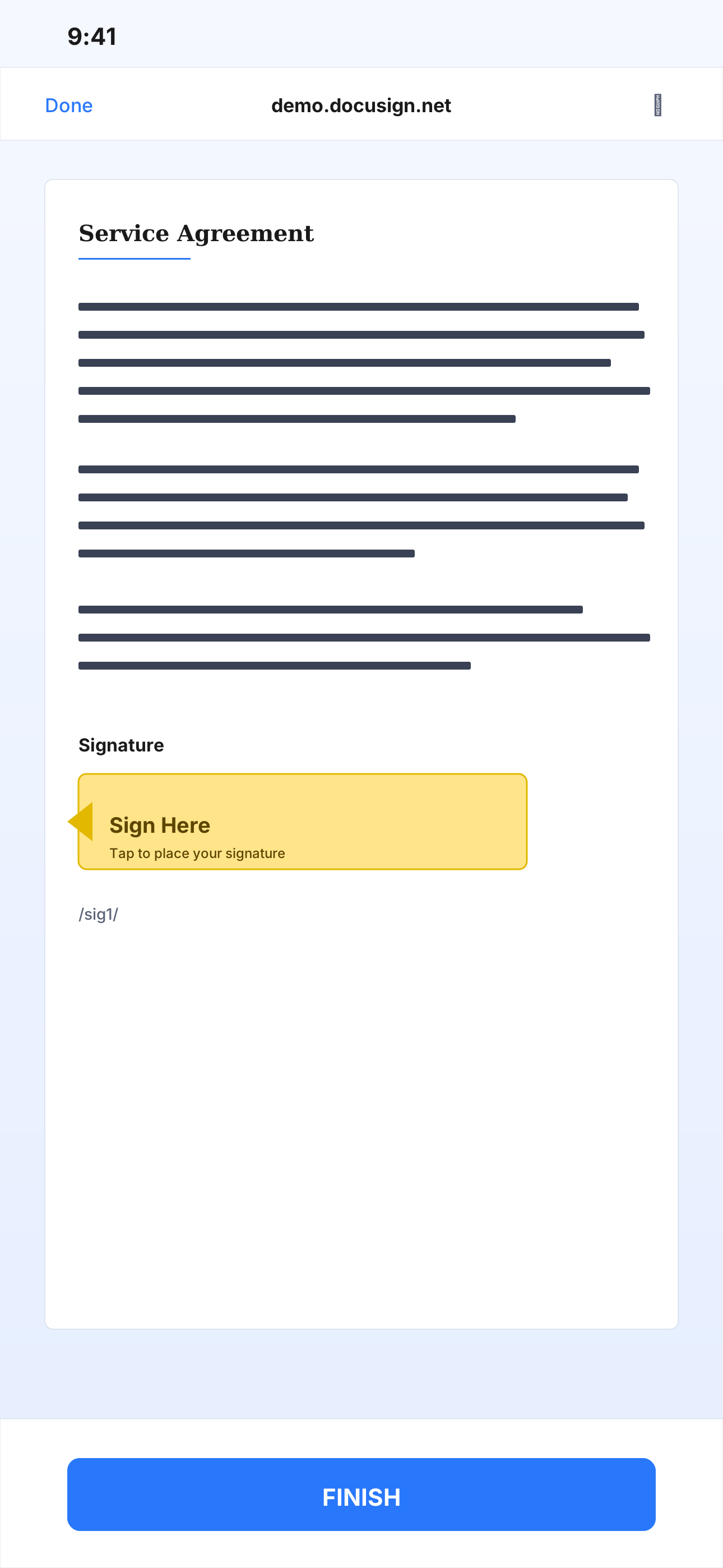
Pull a document from anywhere your phone can see. Files, iCloud Drive, Google Drive, Dropbox, OneDrive, a photo, or a live camera scan — the same starting point handles all of them. PDF inputs pass through verbatim so any existing digital seal stays intact. Photo and scanner inputs get the /sig1/ anchor stamped automatically so DocuSign knows where to place the signature box.
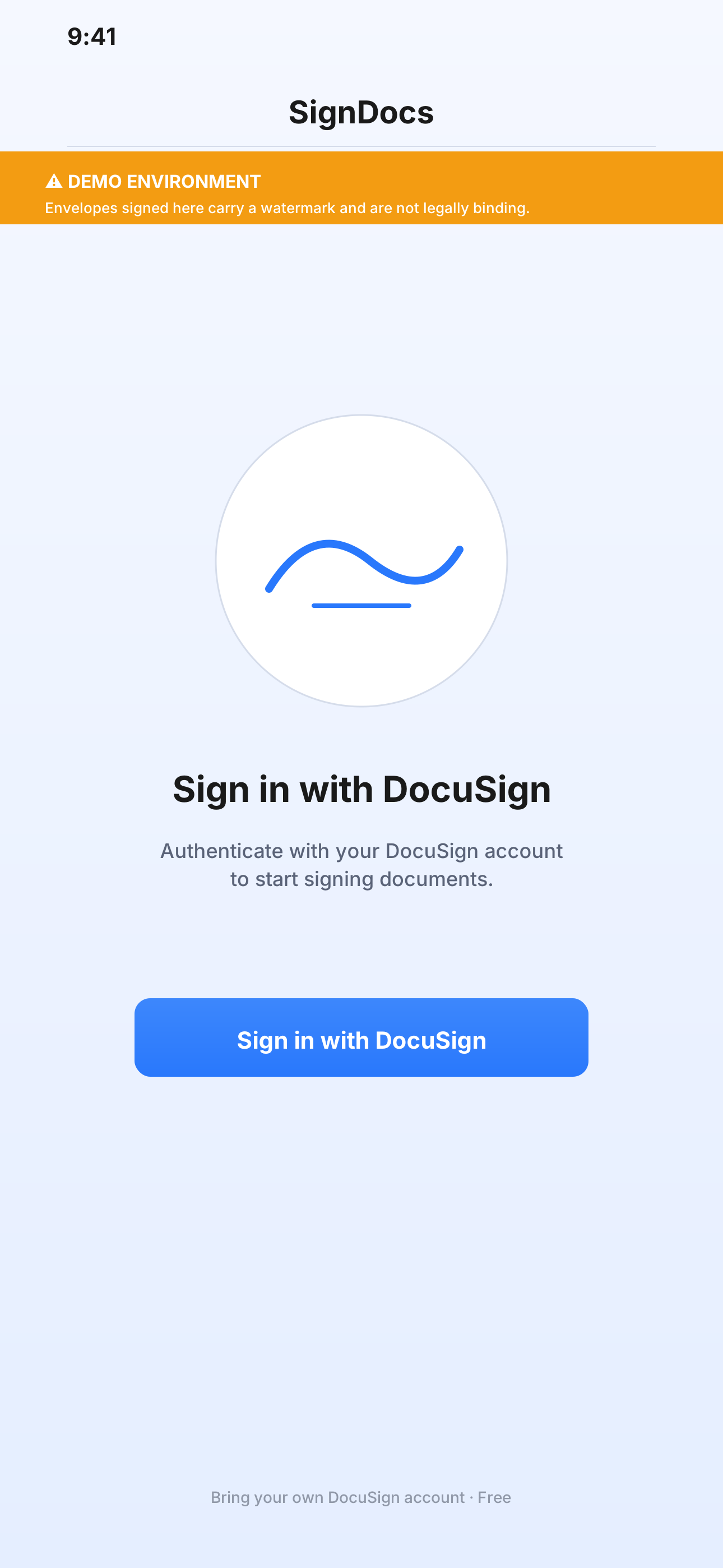
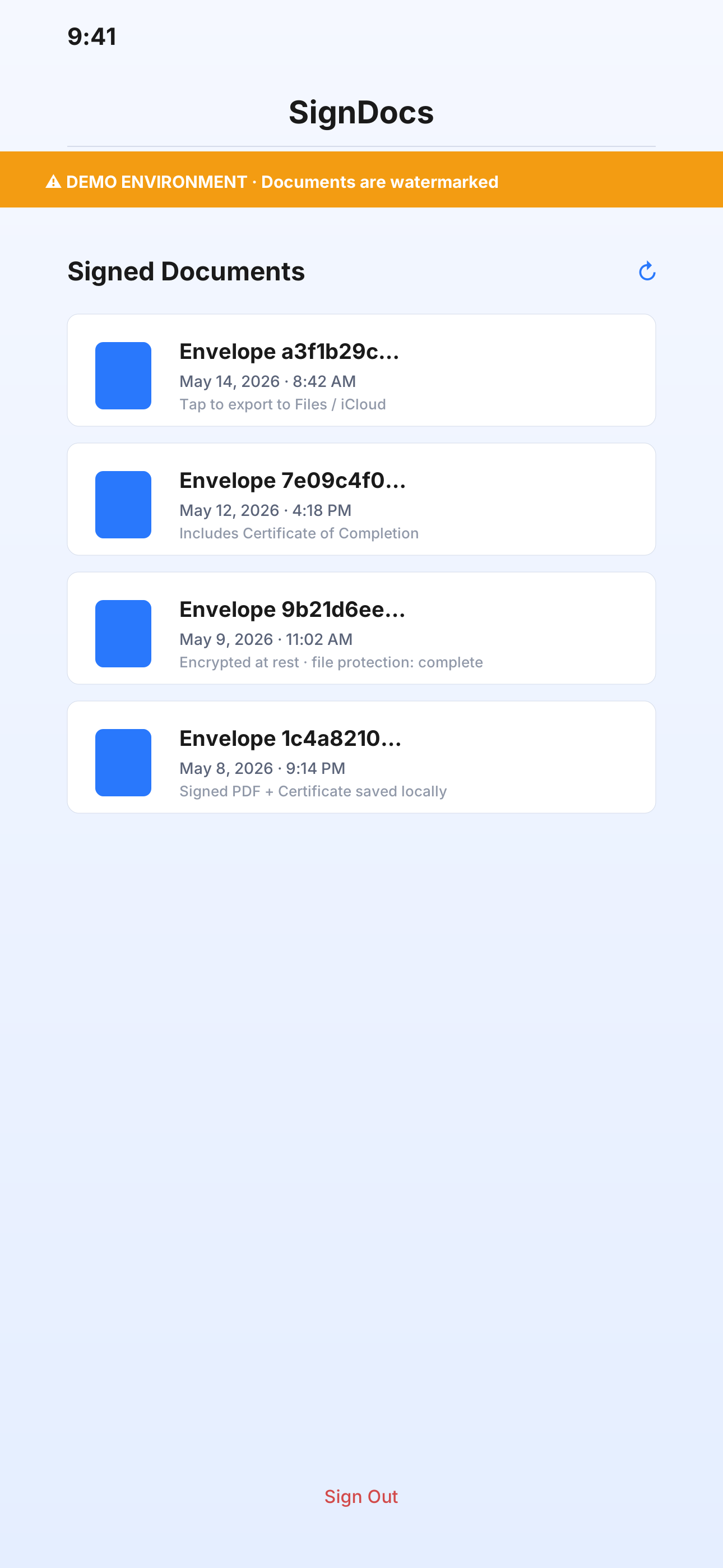
Sign through DocuSign's hosted ceremony, rendered in-app over a secure web sheet. The handshake uses OAuth 2.0 with PKCE — no client secret on device — and your tokens are kept in the iOS Keychain, never in plain files. After the signing ceremony completes, SignDocs polls the envelope status, downloads the combined signed PDF, downloads the Certificate of Completion, and writes both to a per-envelope folder with full file protection. From there a single tap exports anything back to Files or iCloud Drive.
Built for
- Founders and freelancers who sign one-off contracts on the move
- Operators who need to capture a paper agreement with the camera and turn it into a signed PDF the same day
- Anyone who already pays for DocuSign and wants the lightest possible mobile front-end for it
- Power users who want their signed records stored locally and exportable instead of locked inside a vendor portal
Privacy and trust
SignDocs is bring-your-own-DocuSign-account. The app itself does not run a server, does not bill, and does not keep a copy of anything on a backend. Your DocuSign email and user identifier are the only items shared with a third party, and that party is DocuSign itself — required for the signing flow to work at all. OAuth tokens stay in the Keychain with kSecAttrAccessibleAfterFirstUnlockThisDeviceOnly. Signed PDFs and Certificates of Completion are written with FileProtectionType.complete so they are unreadable while the device is locked.
The first build is pointed at DocuSign's developer demo environment, and documents signed there carry DocuSign's "Demo" watermark. The home screen makes that explicit so nothing is mistaken for a binding signature until you switch the app over to a production DocuSign Integration Key.
Get the app
SignDocs is free on the App Store. You will need a DocuSign developer account (also free) or any existing paid DocuSign plan. Install, paste your Integration Key once, and start signing.
© 2026 NYRAI LLC
© 2026 NYRAI LLC