/// AI · RECEIPTS
ReceiptVault AI
Snap a receipt. Get every line item, automatically.
/// Screenshots
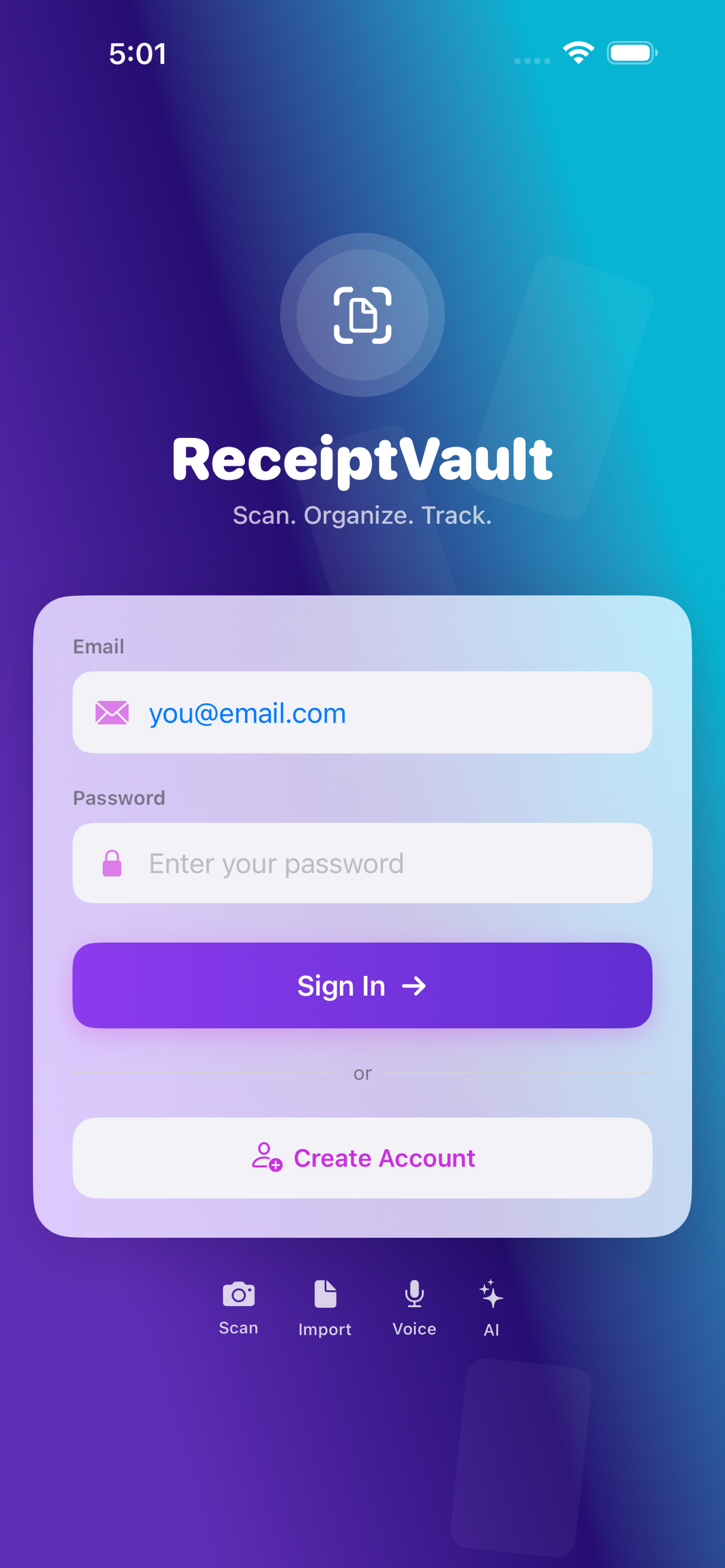



Snap a receipt. Get every line item, automatically.
Why ReceiptVault AI
Tracking expenses on paper or in a spreadsheet is the kind of work that quietly eats evenings — and at tax time, eats whole weekends. ReceiptVault AI was built for one thing: take a picture of a receipt and have every field that matters land in the right place, ready to search, group, and export. No retyping. No squinting at faded thermal paper. No reconstructing a month from memory.
What you can do with it
- Scan paper receipts. Open the camera, hold steady, and ReceiptVault AI captures the receipt with on-device edge detection. Apple Vision performs the text recognition right on your iPhone.
- Let AI do the parsing. The extracted text is sent to Claude AI, which returns a clean, structured record: vendor, date, line items with quantities and unit prices, subtotal, tax, total, and payment method. This is the difference between a photo of a receipt and a usable expense record.
- Import digital receipts. PDFs and images from your Files app, screenshots from email, or receipts forwarded to a Gmail inbox — pull them in and parse them the same way.
- Capture by voice. Drove past the gas pump and forgot to take a photo? Hold the mic, say what you spent, and ReceiptVault AI structures it into a receipt entry.
- Upload a bank or card statement. A whole month of transactions, extracted automatically. Account and card numbers are never stored — just vendor, date, and amount.
- See where the money went. The dashboard groups spending by month, category, and vendor with drill-down detail and full-text search.
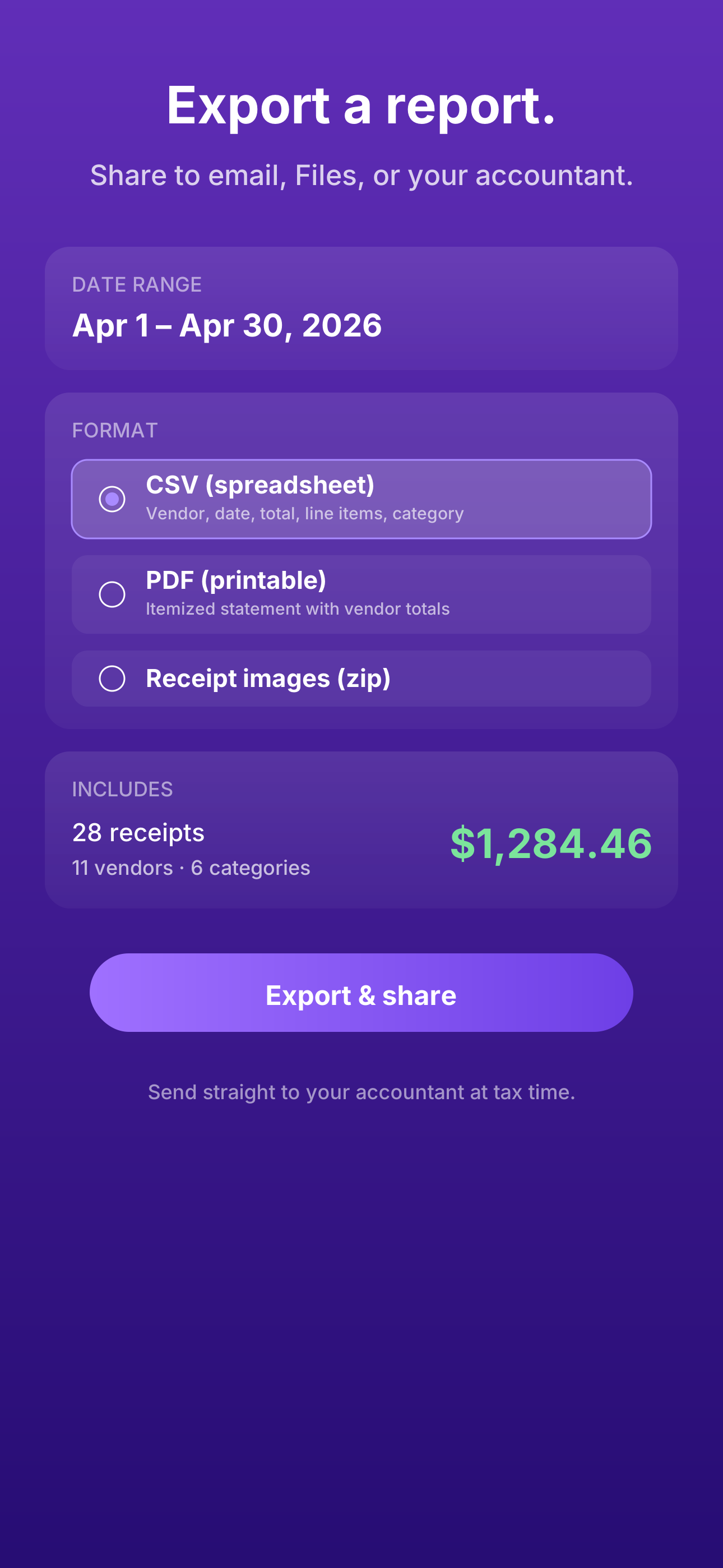
- Export when you need to. CSV for spreadsheets, PDF for an accountant, or just the receipt images zipped up — share to email, Files, or AirDrop.
Built for freelancers, gig workers, and small-business owners
If you mix business and personal spending on the same card — rideshare and Uber Eats next to client lunches and a Costco run — ReceiptVault AI is built for you. Categories, vendor totals, and monthly subtotals make it straightforward to separate deductible expenses from the rest, and the export gives your bookkeeper exactly what they ask for at quarter-end.
Privacy and trust
Your account is protected with Face ID or Touch ID. All data is encrypted in transit and at rest, stored in a secure cloud database with row-level security. You can delete your account and every associated receipt at any time from Settings.
Receipt images stay on your device. Only the OCR text — never the image itself — is sent to Anthropic's Claude AI to extract vendor, totals, and line items. Bank-statement parsing follows the same rule: account numbers and card numbers are never stored. Anthropic's privacy policy: anthropic.com/legal/privacy. ReceiptVault AI's privacy policy is linked from inside the app and on the App Store listing.
Get the app
ReceiptVault AI is free to download. A Pro subscription unlocks AI parsing for unlimited receipts and bank-statement import — monthly or annual, cancel any time from your Apple ID Settings.
Available on the App Store for iPhone running iOS 17 or later.
© 2026 NYRAI LLC
© 2026 NYRAI LLC