Record a meeting. Get a clean document.
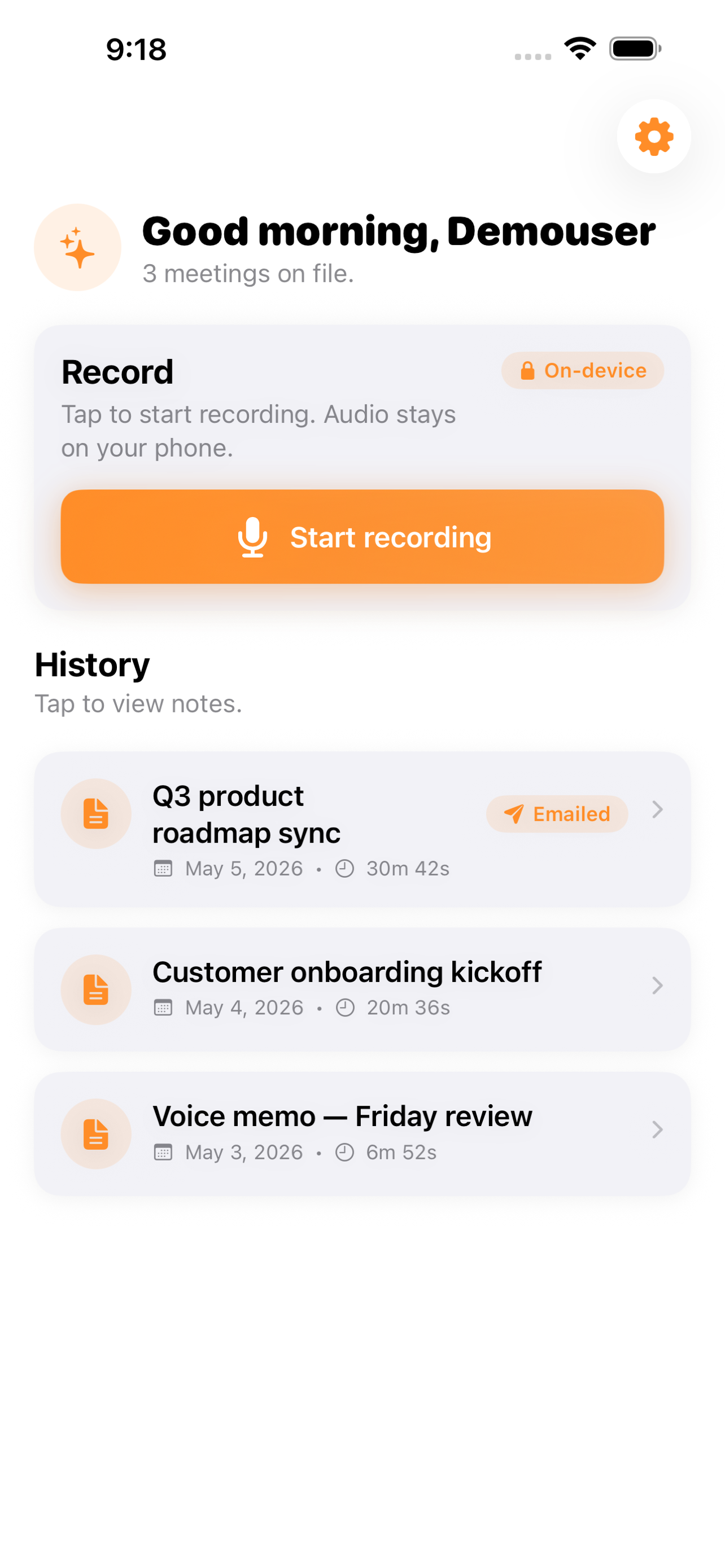
Recap records your meetings and turns them into a structured summary with decisions and action items — transcribed on your device, so the audio never leaves your phone.
- On-device transcription
- Decisions & action items
- Export PDF or Markdown
/// The problem
The meeting ends and the notes never happen.
You meant to write it up. Then the next call started. A week later nobody remembers who agreed to what, and the recording — if there is one — sits unwatched.
Notes lose the thread
Typing while listening means you catch half of it and miss the decision that actually mattered.
"Who owns this?"
Action items evaporate the moment the call ends, so follow-through depends on memory.
Cloud transcription is a leak
Most tools upload your audio to a server. Sensitive meetings shouldn't leave your phone at all.
/// What Recap does
From audio to a document you can send.
Tap once to record; get back something you'd actually forward to the team.
One-tap recording
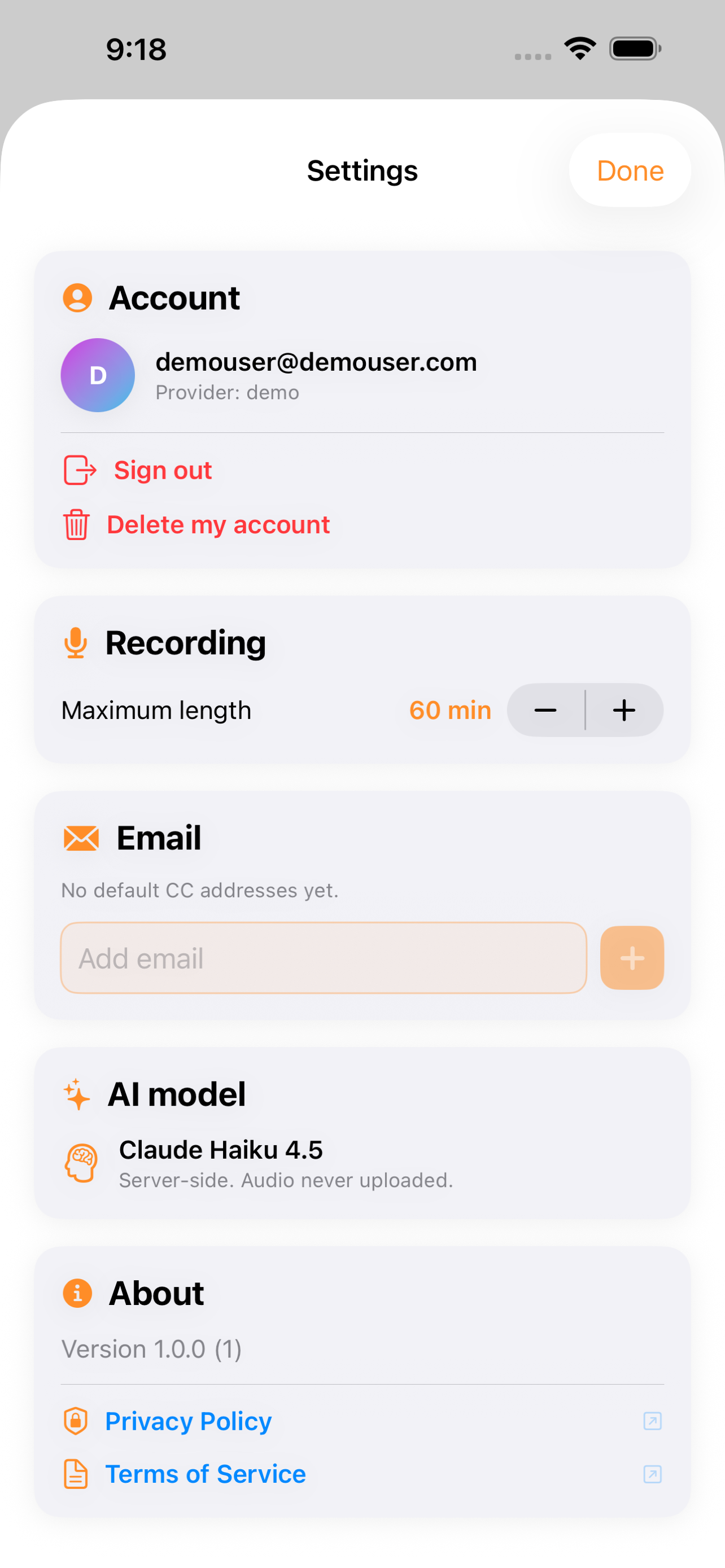
Record meetings up to 60 minutes with a single tap — no setup, no accounts.
On-device transcription
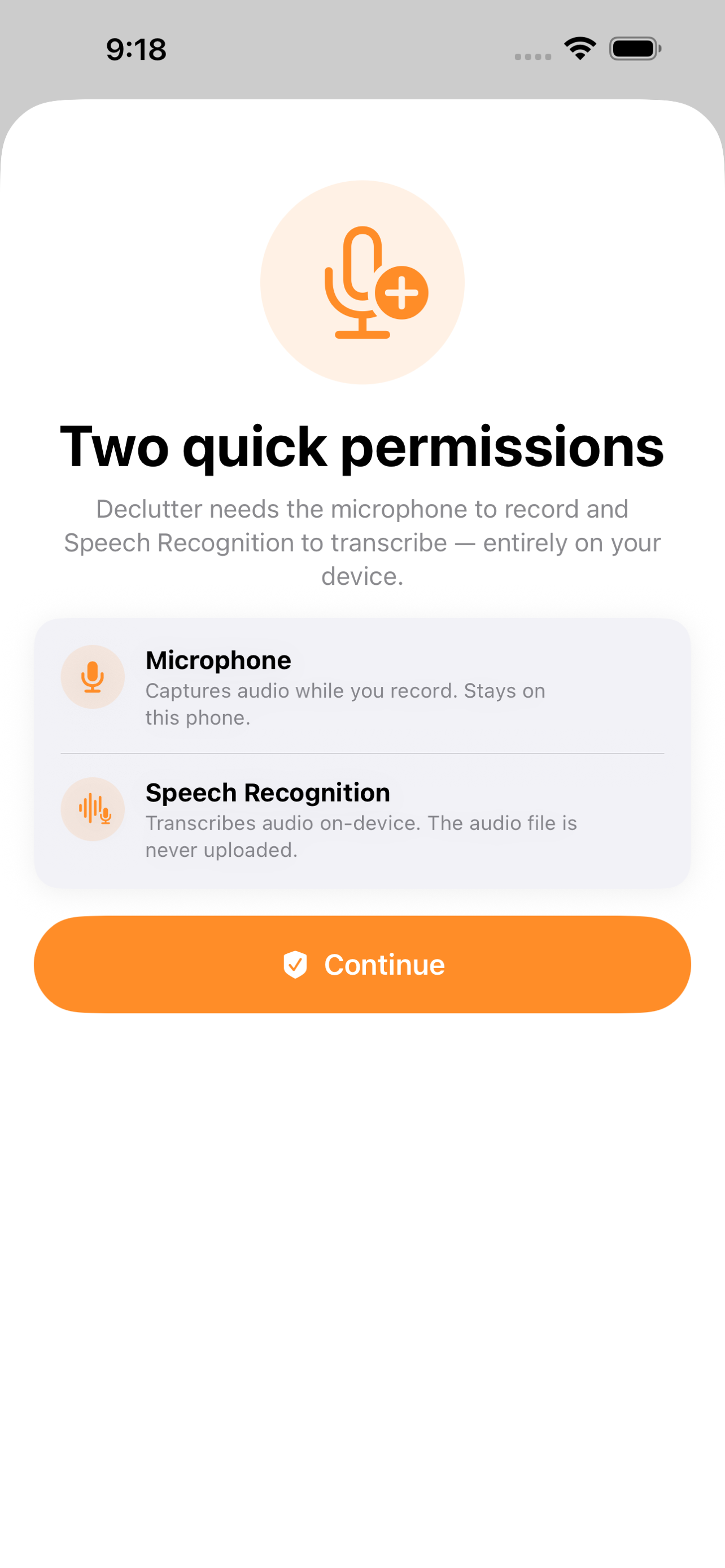
Audio is transcribed right on your phone and never leaves the device.
Structured summary
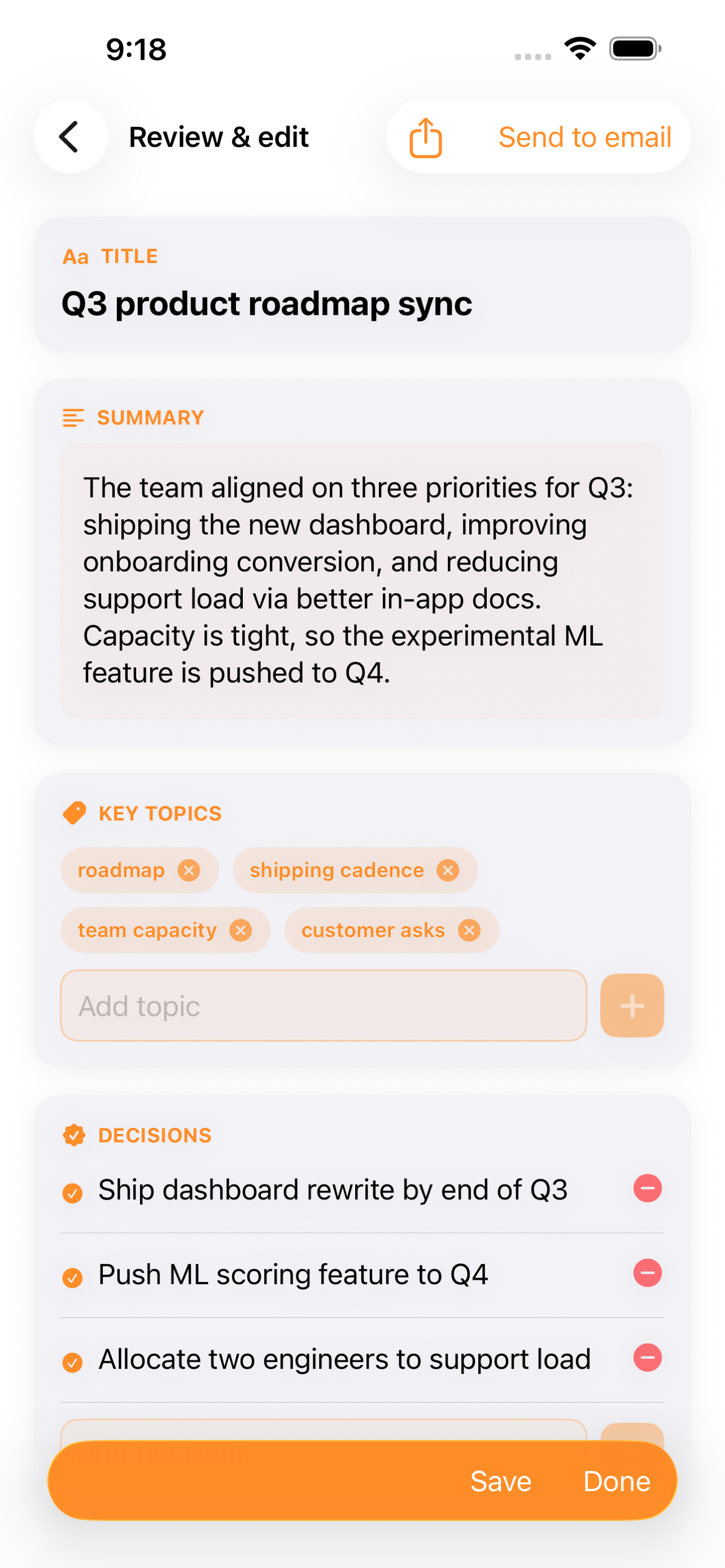
Get a clean summary with the decisions made and action items assigned to owners.
Export anywhere
Email, share, or export the write-up as a PDF or Markdown document.
Private history
Browse a searchable history of every meeting you've captured, all stored locally.
Nothing in the cloud
No server, no upload — your conversations stay yours.
/// A look inside
/// How it works
Tap, talk, done.
- 1
Record
One tap starts a recording of up to 60 minutes — in person or on a call.
- 2
Transcribe on-device
Recap turns the audio into text right on your phone, with nothing uploaded.
- 3
Share the write-up
Get a structured summary with decisions and action items, then export it as PDF or Markdown.
/// Pricing
Free to start.
Download Recap and capture your first meetings free. It stays private on your device either way.
Free to download on the App Store. Everything is transcribed and stored on your device.
What's included
- One-tap recording up to 60 minutes
- On-device transcription — audio never leaves your phone
- Structured summary with decisions and action items
- Export to PDF or Markdown
- Searchable private meeting history
- No account, no cloud upload
Secure purchase through the App Store.
/// FAQ
Good questions.
Does my audio go to the cloud?
No. Recap transcribes on your device, and the audio never leaves your phone. Your meeting history is stored locally.
How long can a meeting be?
You can record up to 60 minutes in a single tap, then get a structured summary with decisions and action items.
What can I do with the summary?
Email it, share it, or export it as a PDF or Markdown file to drop into your notes or send to the team.
Never write up a meeting again.
Record, transcribe on-device, and get a clean document with the decisions and action items. Available now on the App Store.