Grade essays with your Pencil.
Mark up student PDFs by hand with Apple Pencil, tally rubrics automatically, and return graded papers — all on your iPad, all yours. No subscription.
- Mark up PDFs by hand
- Rubrics tally automatically
- No subscription
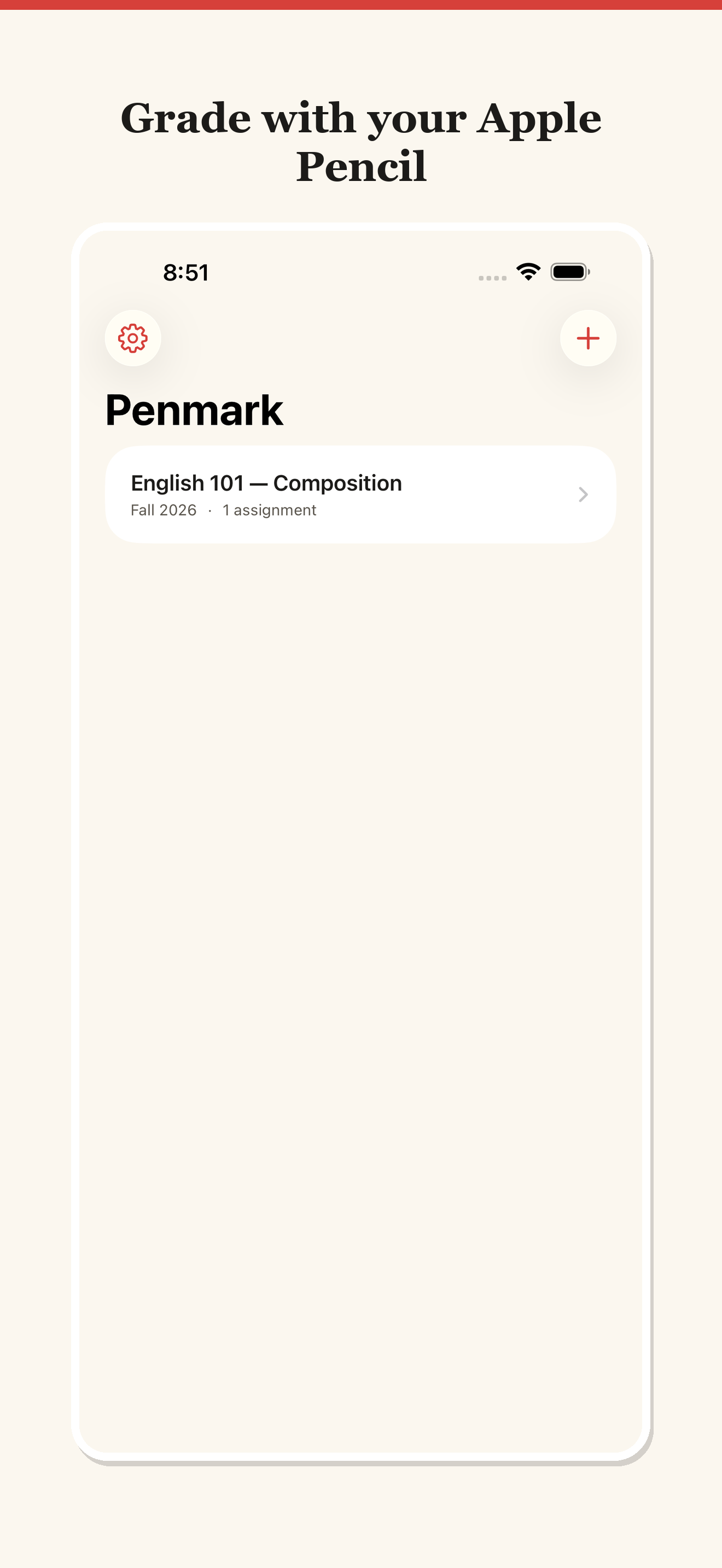
/// The problem
Grading a class set is a weekend.
Marking essays on paper means hauling a stack home; grading on a laptop means clumsy comment boxes and adding up rubric points by hand. Either way, the numbers and the notes never quite line up.
Stacks of paper
A whole class set to carry, shuffle, and not lose — and no backup if a page goes missing.
Adding points by hand
Tallying rubric criteria into a final score and letter grade, one paper at a time, is where mistakes creep in.
Subscription grading tools
The apps that help usually want a recurring fee and your students' work on their servers.
/// What Penmark does
Paper-natural grading, with the math done for you.
Mark like you would on paper; let the rubric handle the arithmetic.
Import a whole class set
Bring in all your student PDFs at once instead of opening them one by one.
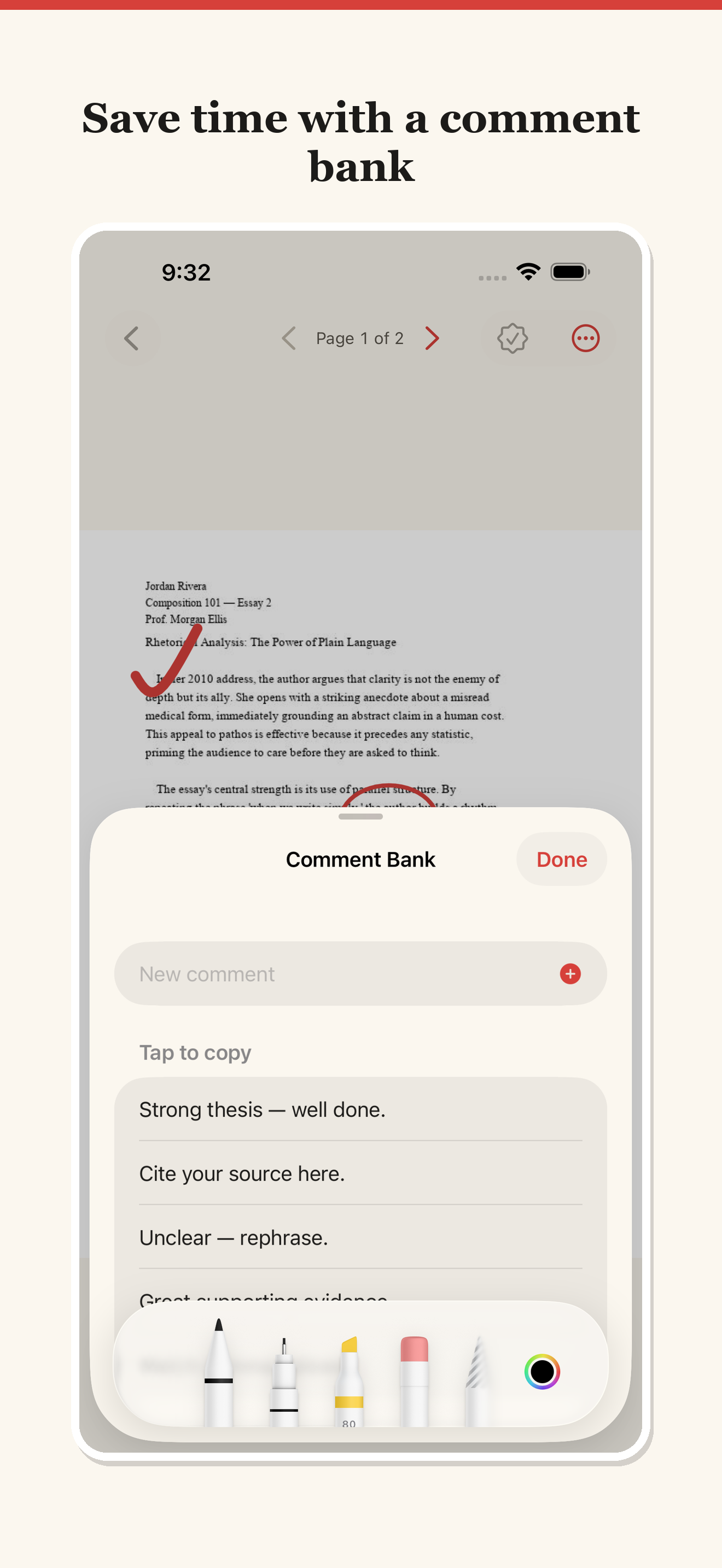
Mark up with Apple Pencil
Ink, highlight, and add notes directly on the page — just like paper.
Marks save themselves
Flip through pages freely; your annotations are saved automatically as you go.
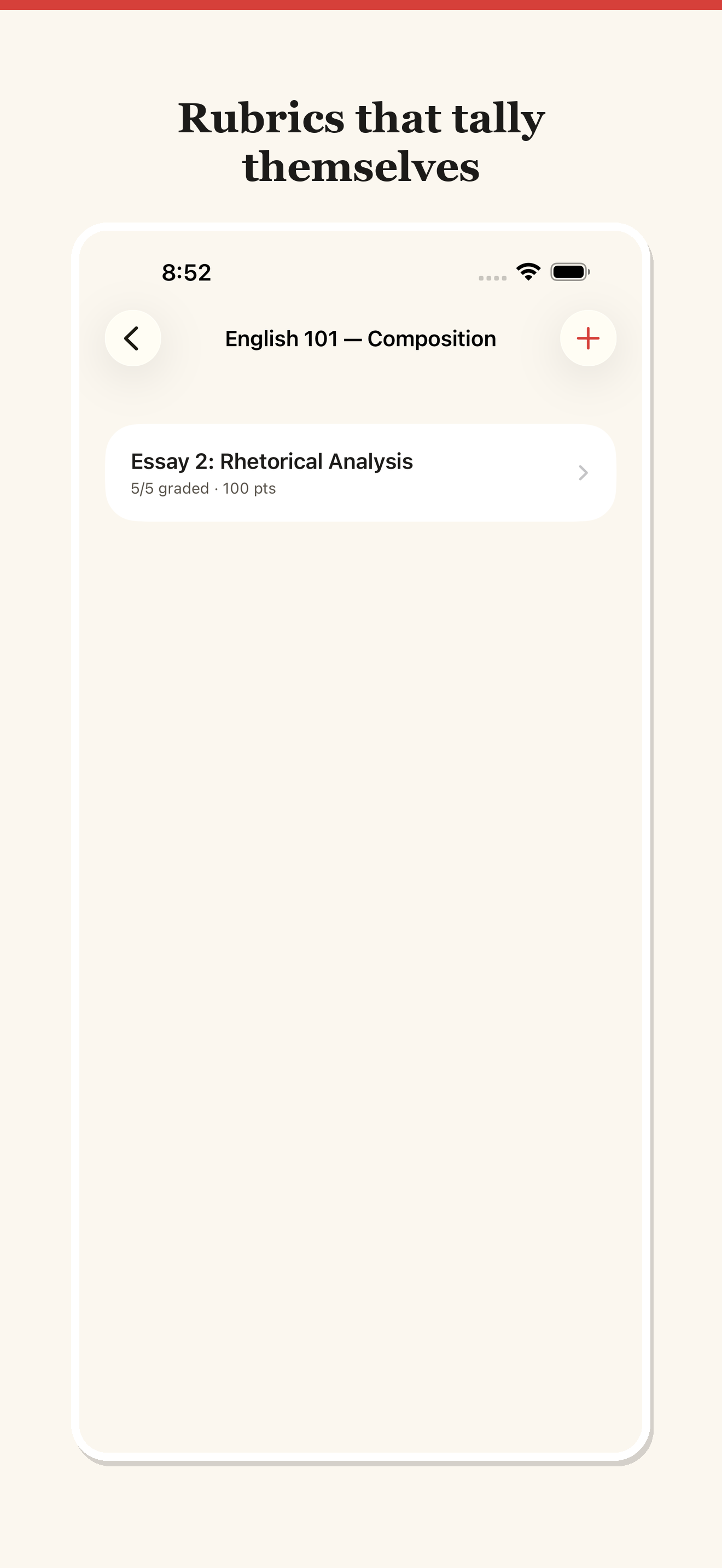
Reusable rubrics
Build a rubric once and attach it to an assignment for the whole class.
Auto-tallied scores
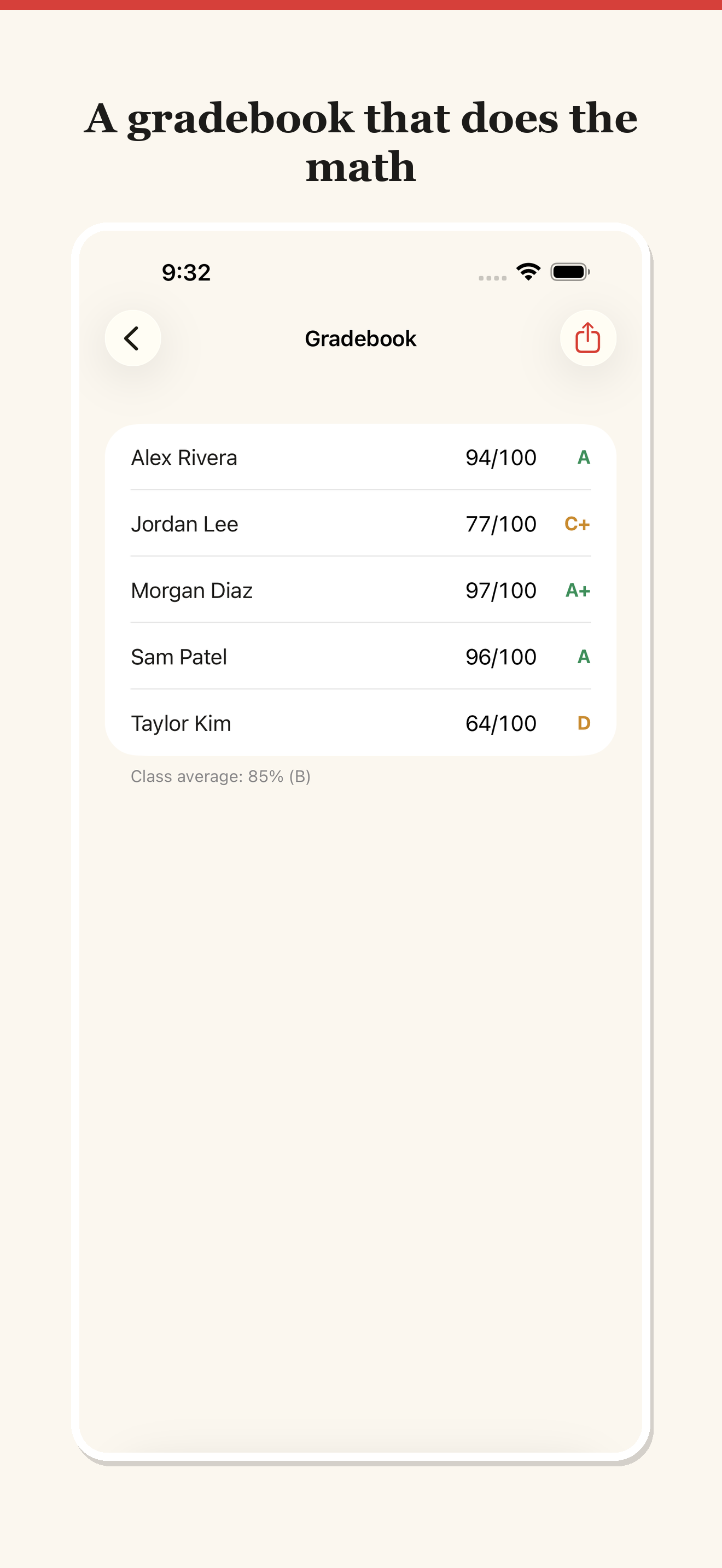
Tap to award points per criterion; Penmark sums the score and the letter grade for you.
Yours, on the iPad
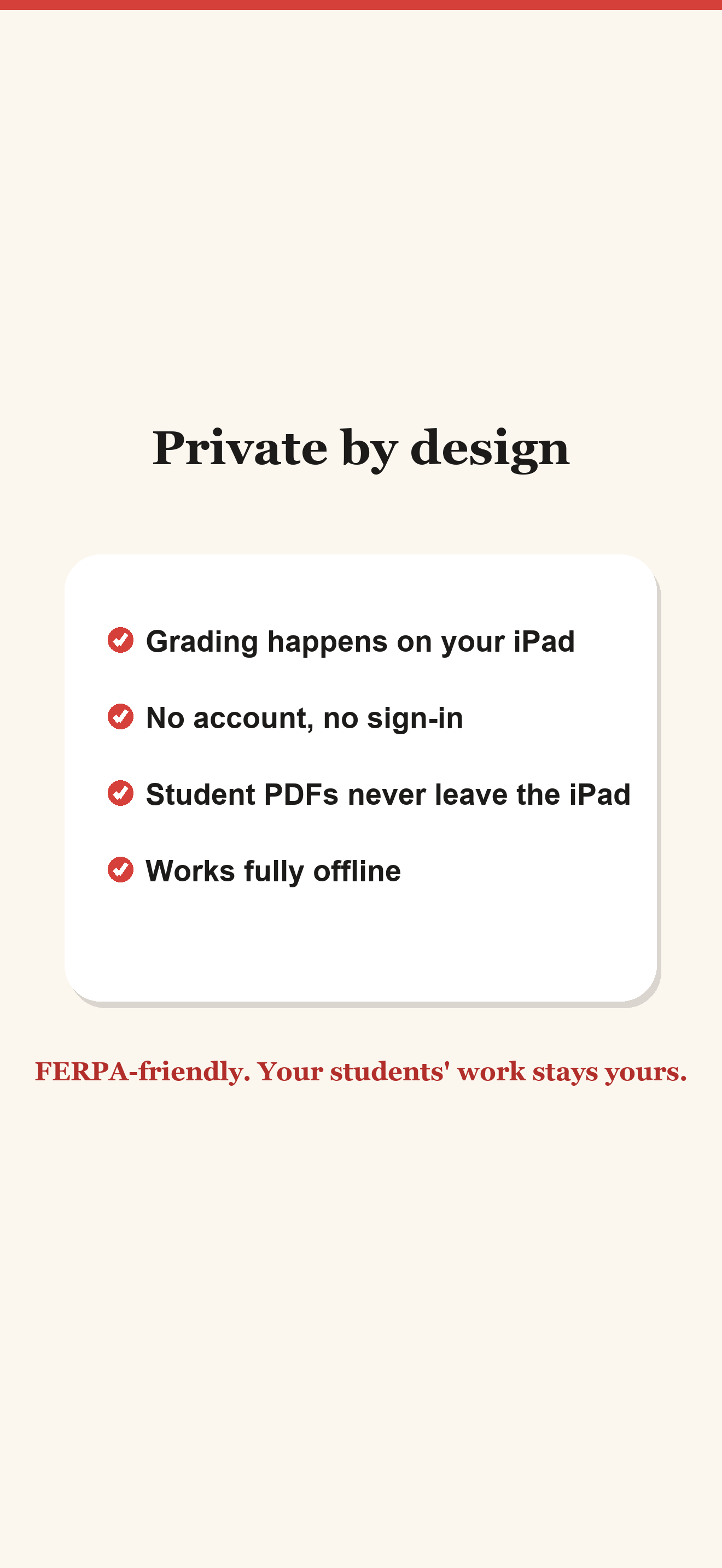
Everything stays on your iPad — no subscription, no student work on someone else's server.
/// A look inside
/// How it works
Import, mark, return.
- 1
Import the class set
Bring in every student PDF at once and pick the assignment's rubric.
- 2
Mark with your Pencil
Ink, highlight, and note directly on each paper; award rubric points as you read.
- 3
Return graded papers
Penmark sums the score and letter grade, and you hand the marked-up PDFs back.
/// Pricing
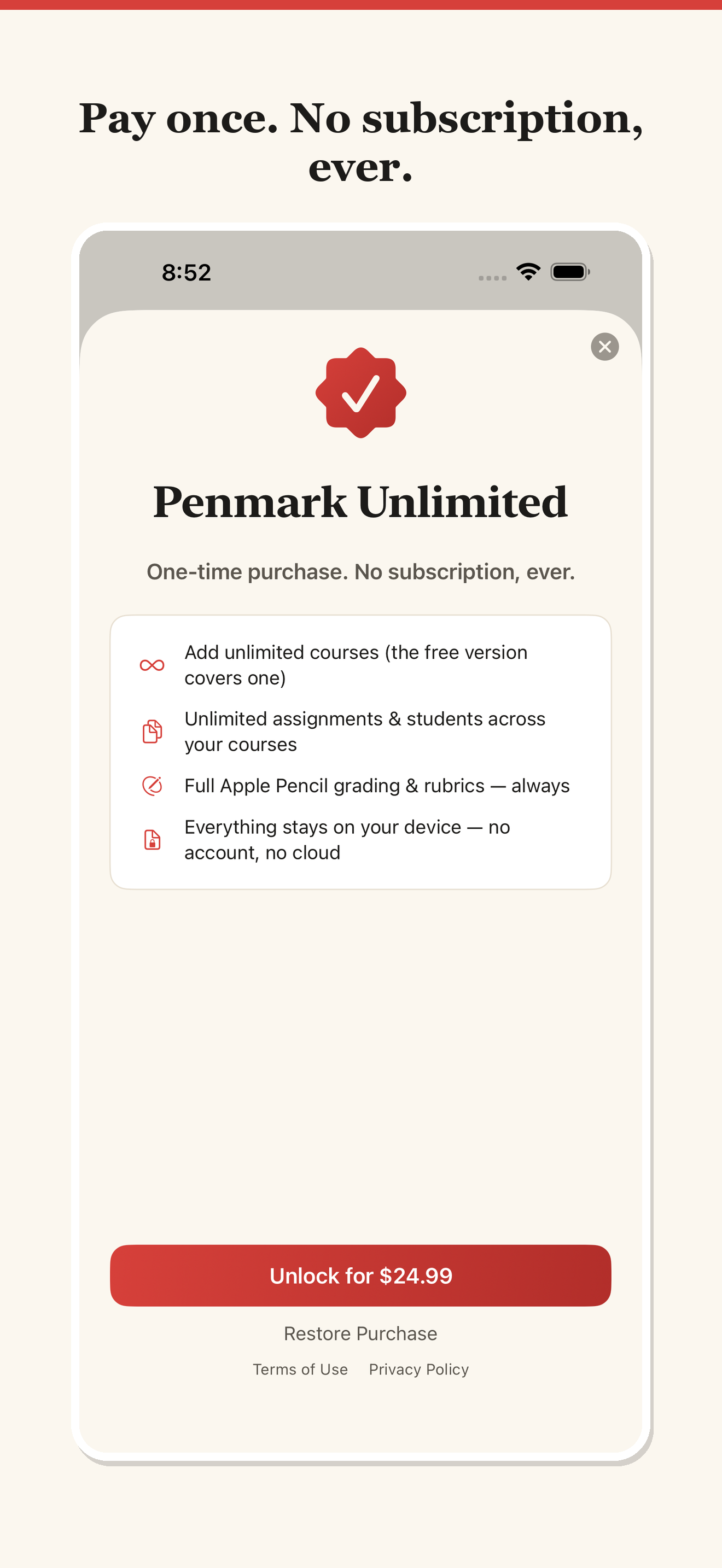
Buy it once. No subscription.
Penmark is a one-time purchase on the App Store — your grading, on your iPad, yours to keep.
A one-time purchase on the App Store. No subscription, and student work stays on your iPad.
What's included
- Batch import of a whole class set of PDFs
- Apple Pencil ink, highlight, and notes
- Auto-saving annotations
- Reusable per-assignment rubrics
- Automatic score and letter-grade totals
- On-device — no subscription, no cloud
Secure purchase through the App Store.
/// FAQ
Good questions.
Is there a subscription?
No. Penmark is a one-time purchase, and your grading and student work stay on your iPad.
Does it do the grade math?
Yes. Build a rubric once, tap to award points per criterion, and Penmark sums the total score and letter grade for you.
Can I grade a whole class at once?
You can import an entire class set of PDFs in one go, mark them up with Apple Pencil, and flip between them freely — every mark is saved automatically.
Grade like it's paper. Add up like it's a spreadsheet.
Mark student PDFs with Apple Pencil, tally rubrics automatically, and hand back graded papers — all on your iPad. Available now on the App Store.