/// MEETINGS → NOTES
Declutter
One tap captures the conversation. Your phone handles the transcription. The output is a tidy summary with decisions and action items, ready to share.
/// Screenshots


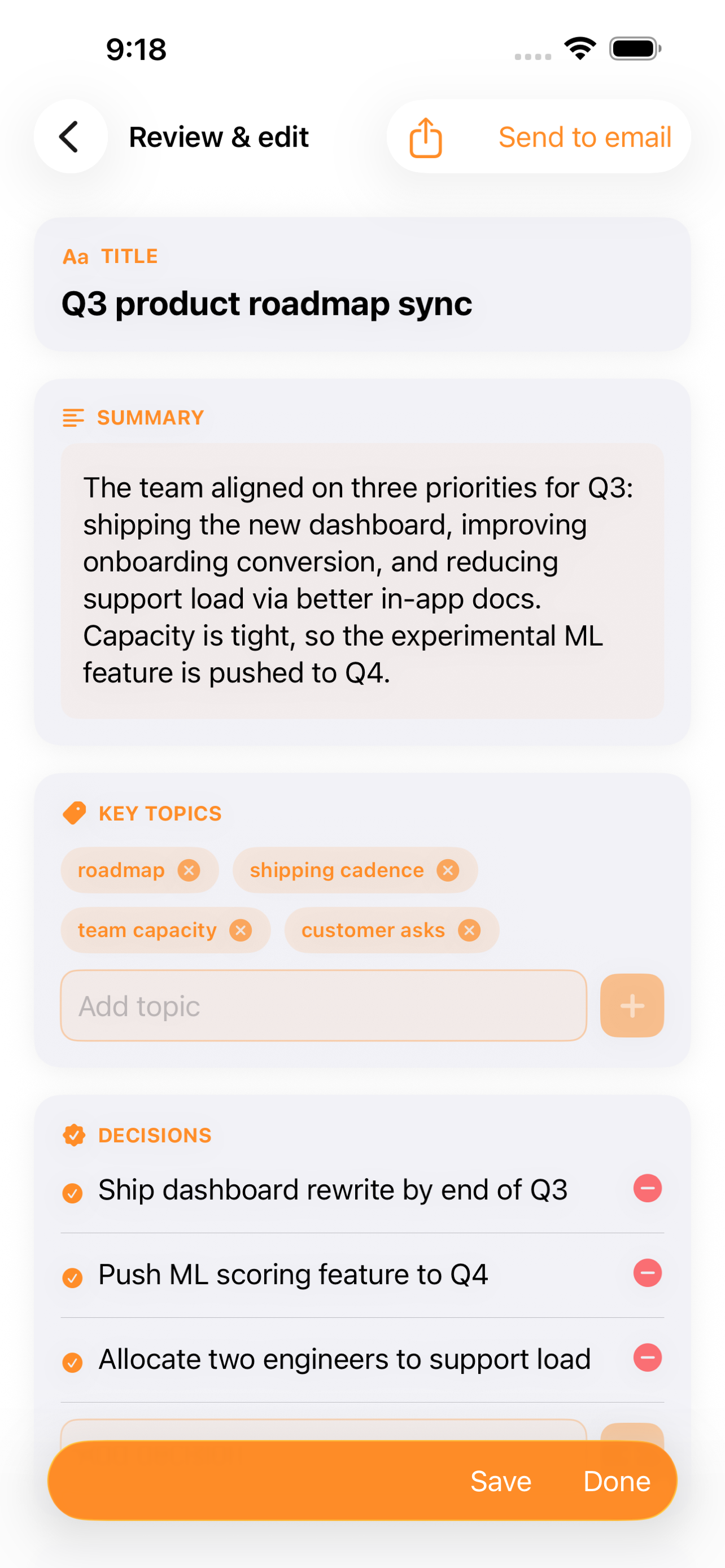
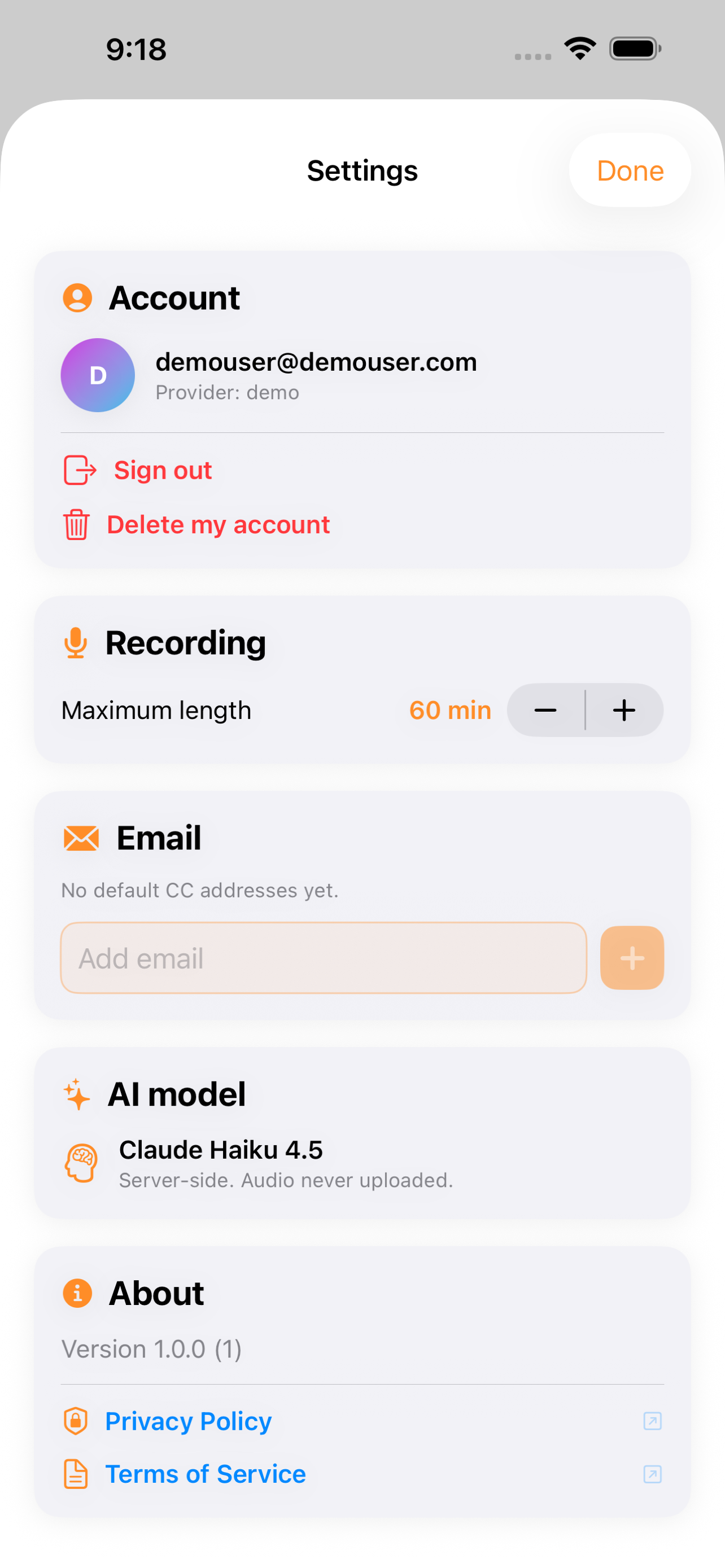
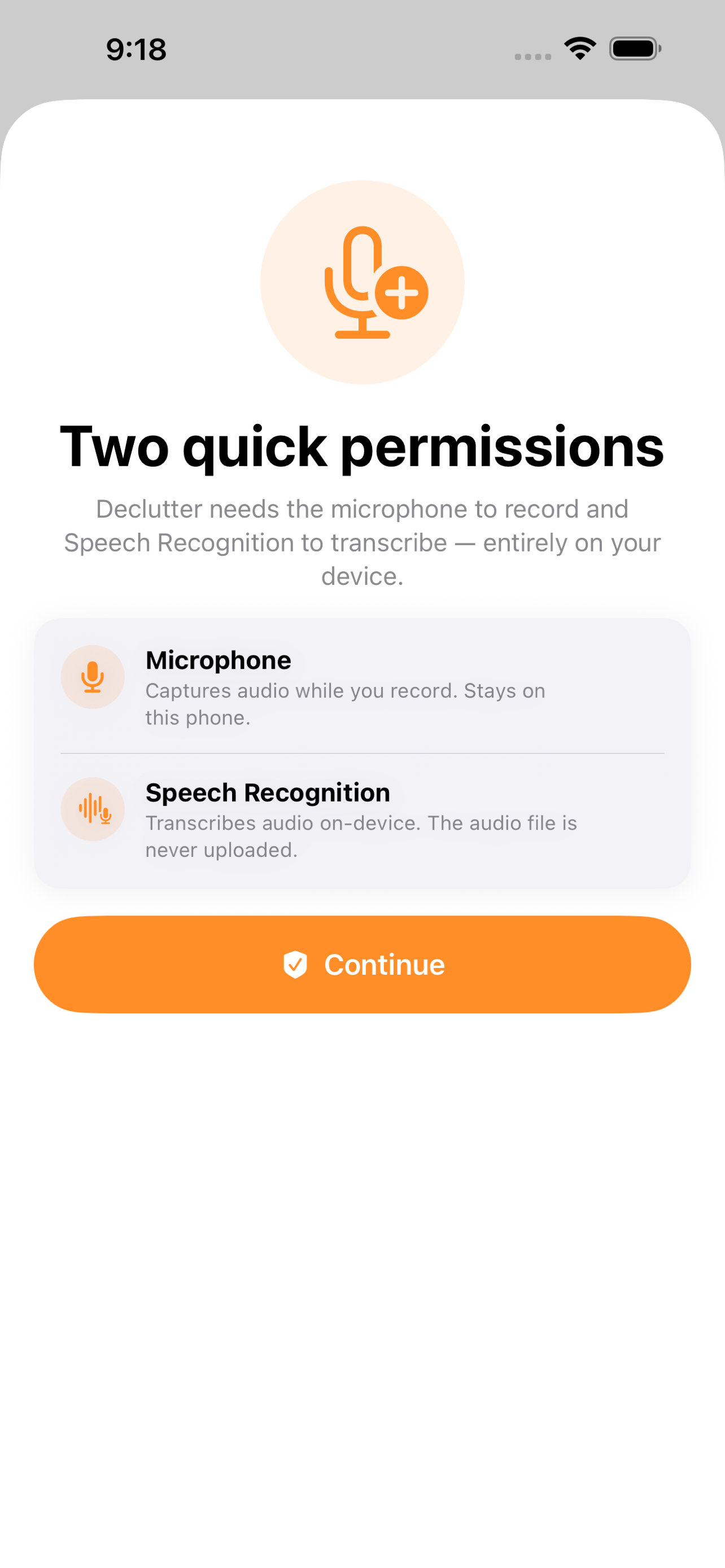
Record a meeting. Get a clean, organized document.
Why Declutter
Meetings end and the work begins. Someone scrubs through a recording, someone else pieces together notes from memory, and the decisions you actually made get blurred into a thread of half-remembered details. The action items that mattered most are the ones that quietly fall off the list.
Declutter closes that gap. Tap record at the start of a conversation, tap stop at the end, and a few seconds later you have a structured document — a short summary, the decisions that were made, every action item with its owner, and the topics worth revisiting. No scrubbing, no retyping, no guessing at what was said.
It is built for people who would rather be present in the room than transcribing it.
What you can do
Capture any conversation. A large record button lives at the top of the home screen. One tap starts the recording; the app keeps going through screen locks and backgrounding so a long meeting survives a stretched battery. Up to sixty minutes per recording.
Transcribe on your device. Speech is converted to text using Apple's on-device recognizer. The audio never leaves your phone, and the raw audio is discarded as soon as the transcript is ready. Only the text itself is ever sent anywhere.
Get a structured document. After recording, Declutter sends only the transcript to an AI processing step that returns a clean document: a title, a short summary, the key decisions, every action item with its owner, and the topics covered. You review and edit before saving — nothing is shared automatically.
Send notes the way you already work. Email the document to attendees, export it as a PDF, copy it as Markdown, or simply keep it for yourself. Sending is opt-in — Declutter never emails anyone without your explicit tap.
Browse a private history. Every meeting you save lives in your own history, grouped by day. Open any past meeting to revisit the formatted notes or share them again later.
Recover long recordings. A long meeting that hits an interruption is not lost. Declutter chunks the work and offers to retry, so a dropped connection or a backgrounded app doesn't cost you the conversation.
Built for people who run meetings
Declutter is for product managers running standups, founders taking client calls, students sitting in lectures, journalists conducting interviews, and anyone who has ever stared at a recording and decided that summarizing it was a task for tomorrow. If your work is full of conversations you wish you remembered better, this is the app.
Privacy and trust
Your audio is yours. Transcription happens on your device using Apple's Speech framework. The raw audio is never uploaded — only the resulting text leaves your phone, and only to your own account. Microphone and speech-recognition permissions are requested the first time you record and explained plainly in the priming screen. You can delete your account and every saved meeting from inside the app at any time.
Get the app
Coming soon to the App Store on iPhone.
© 2026 NYRAI LLC
© 2026 NYRAI LLC