Ask every AI at once — with the accounts you already have.
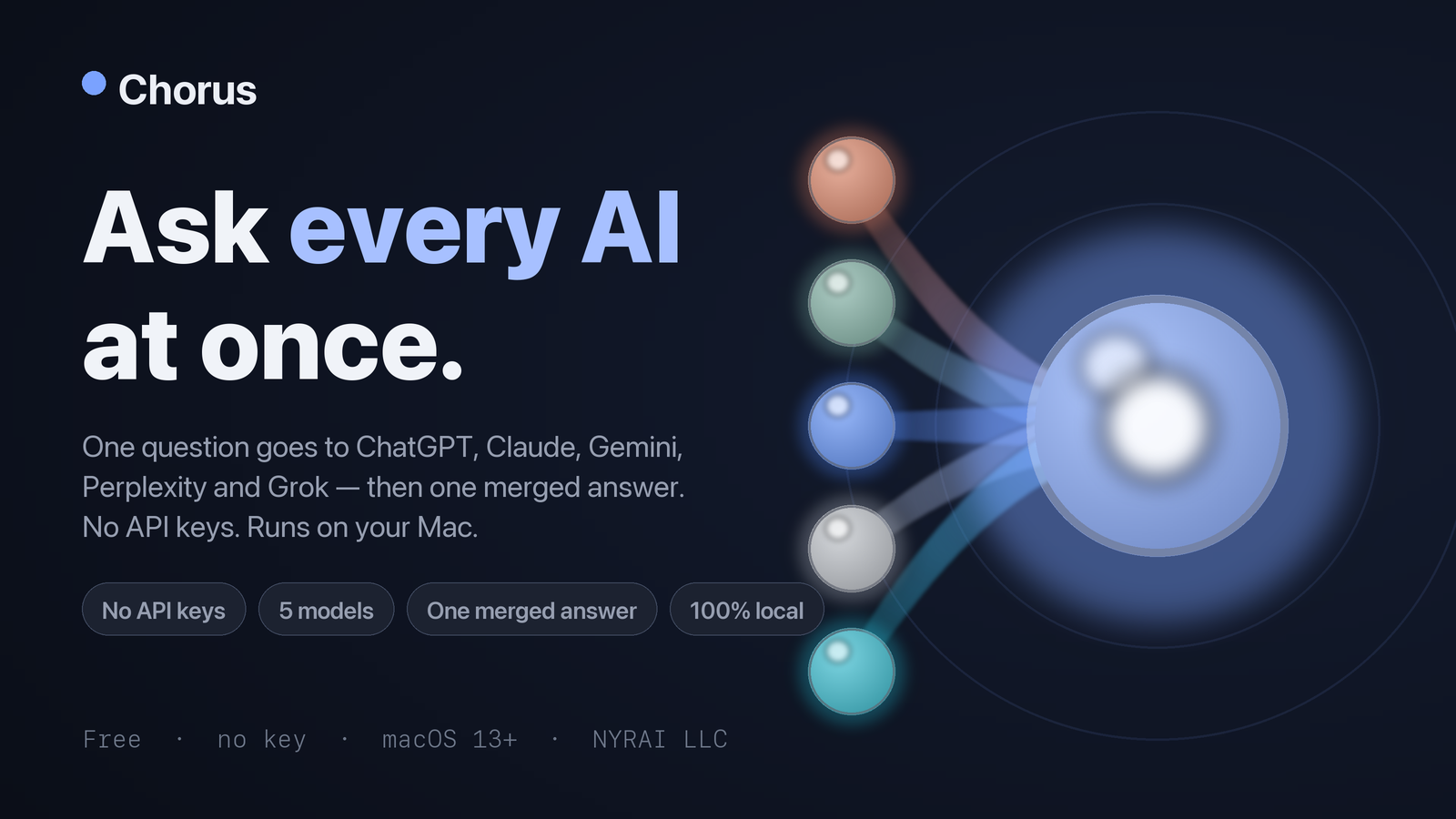
Chorus is the browser-driven sibling of Quorum. Instead of paid API keys, it drives your existing logged-in AI web accounts — ChatGPT, Claude, Gemini, Perplexity, and Grok — right inside the app, asks all five your question, then has one chosen model merge every answer into a single highlighted report.
- No API keys, nothing metered
- 100% local
- Free download
/// The problem
One model is one opinion.
You already pay for a couple of AI subscriptions, but you ask them one at a time and never really know which answer to trust — and API-key tools would charge you all over again.
Single-model blind spots
Every model has its own gaps and biases; asking just one means trusting a single opinion.
Five tabs, five answers
Comparing by hand means copy-pasting the same prompt into five browser tabs and squinting at the differences.
Paying twice
You already have the subscriptions — an API-key tool bills you again for models you can already reach.
/// What Chorus does
Five answers, one report — no new bills.
It uses the logged-in web accounts you already have, right inside a native Mac app.
One question, five AIs
ChatGPT, Claude, Gemini, Perplexity, and Grok all answer at once.
One merged answer
A model you pick cross-checks the rest into a single highlighted report.
Compare view
See every model's full answer side by side when you want the raw detail.
Local history
Every run is saved on your Mac so you can revisit past answers.
No API keys
It drives the subscriptions you already pay for — nothing is metered or re-billed.
100% local
Nothing routes through our servers; it's an Apple-notarized universal .dmg.
/// How it works
Sign in once. Ask once.
- 1
Sign into your AI accounts
Log into ChatGPT, Claude, Gemini, Perplexity, and Grok inside the app — the accounts you already have.
- 2
Ask all five
Type one question and Chorus sends it to every model at the same time.
- 3
Read the merged report
A model you choose cross-checks the answers into one highlighted report, with a compare view on hand.
/// Get Chorus
Free for macOS.
Download it and use the subscriptions you already have. No API keys, nothing metered.
What's included
- One question to ChatGPT, Claude, Gemini, Perplexity, and Grok
- One merged, highlighted report from a model you pick
- Side-by-side compare view
- Local run history on your Mac
- No API keys — uses your existing subscriptions
- 100% local, signed & notarized by Apple
Secure checkout by Gumroad. Instant download.
/// FAQ
Good questions.
Do I need API keys?
No. Chorus drives your existing logged-in AI web accounts — the subscriptions you already pay for — so there are no API keys to manage and nothing is metered.
How is it different from Quorum?
Quorum uses your own paid API keys and their deep-research modes; Chorus is the browser-driven sibling that uses your logged-in web accounts instead. Same idea — ask everyone at once — different plumbing.
Does anything go through your servers?
No. Chorus is 100% local: questions go from your Mac straight to the AI sites you're signed into, and it ships as an Apple-notarized universal .dmg.
Ask everyone. Trust the consensus.
One question to five AIs you already pay for, merged into one report — free, local, no API keys.